
Video Conferencing Solutions
Professional Video Conferencing Solutions for Australian Meeting Rooms
Kickstart Computers helps Australian businesses design and compare
professional video conferencing systems for meeting rooms, boardrooms
and hybrid workspaces.
From Microsoft Teams Rooms and Zoom Rooms through to conferencing
cameras, audio systems and collaboration hardware — we help organisations
choose technology that suits their room size, workflow and long-term
deployment goals.
Unlike generic online stores, we focus on practical deployment realities
— including room acoustics, microphone coverage, camera placement and
meeting room usability — helping businesses avoid conferencing systems
that look impressive on paper but perform poorly in real-world environments.
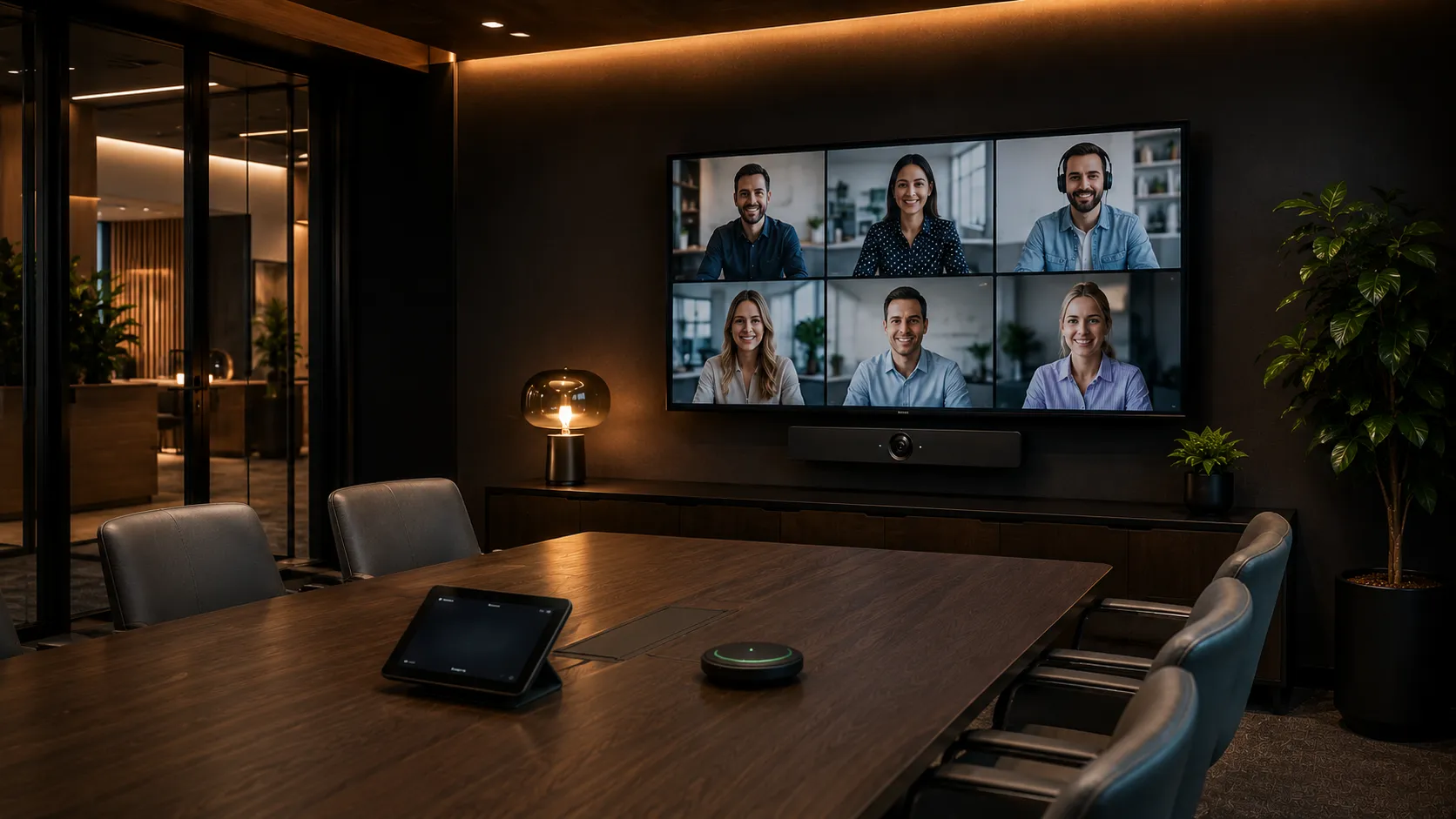
Choosing the Right System
What Video Conferencing Equipment Works Best for Different Room Sizes?
Different meeting rooms create different conferencing challenges. Small rooms often suffer from poor camera angles because participants sit too close to the display, while larger boardrooms typically experience microphone coverage and audio clarity problems. Choosing conferencing equipment based on room size helps businesses avoid many of the common frustrations associated with hybrid meetings.
| Room Type | Typical Capacity | Common System Style | Indicative Budget Range (AUD) |
|---|---|---|---|
| Small Huddle Rooms | 2–4 People | All-In-One Conferencing Bars | $1,500–$4,000 |
| Medium Meeting Rooms | 4–10 People | Smart Video Bars & Teams Rooms | $4,000–$9,000 |
| Large Boardrooms | 10+ People | Modular PTZ Conferencing Systems | $10,000+ |
| Collaboration & Training Rooms | Variable | Interactive Collaboration Systems | Custom Quoted |
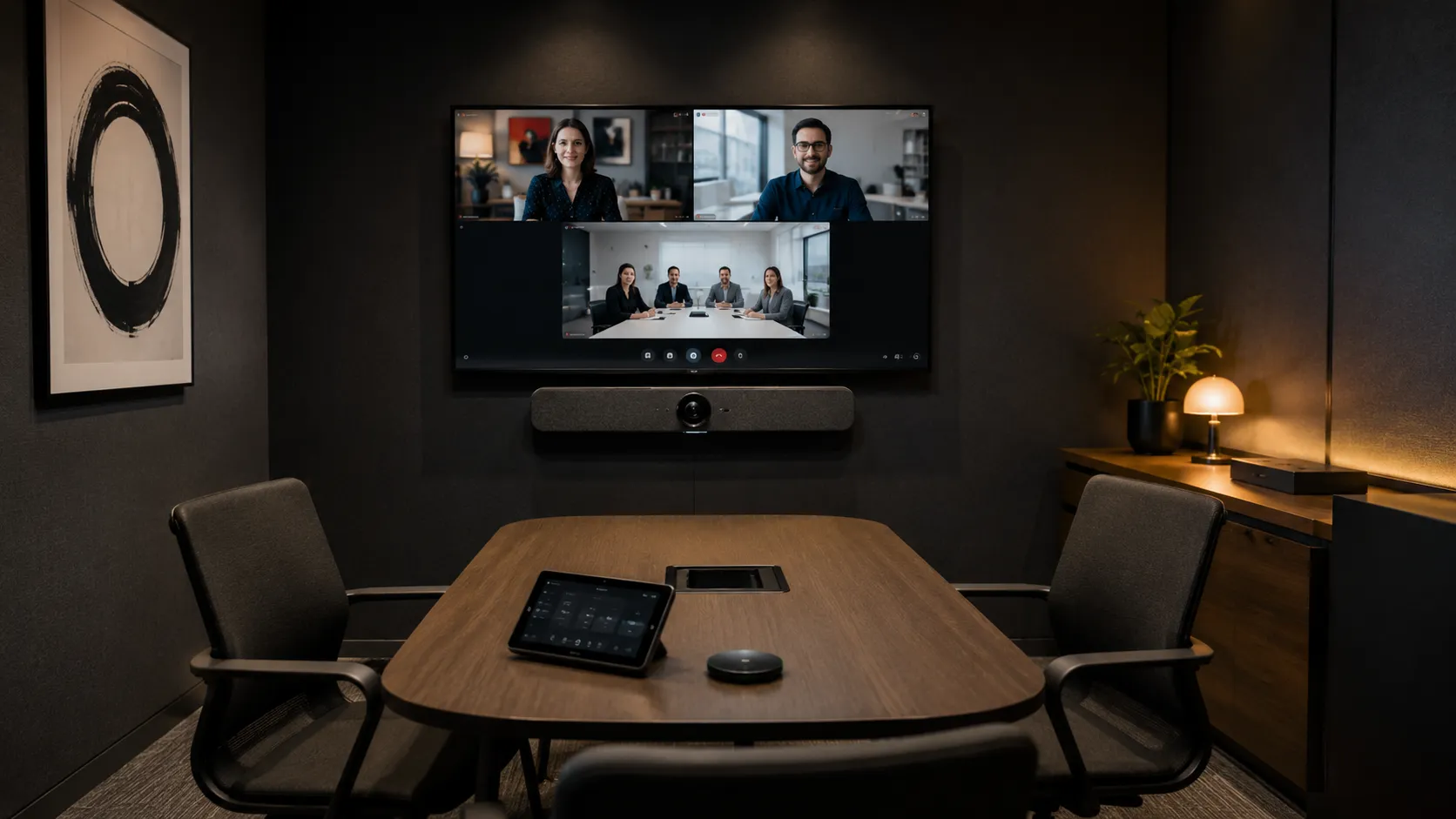
Small Huddle Room Solutions
Best for 2–4 People- Ultra-wide camera coverage suits close seating distances
- All-in-one bars reduce cabling and deployment complexity
- Common systems: Logitech MeetUp 2, Yealink A10, Jabra PanaCast 50
- Common mistake: mounting the camera too high above the display
Wide-angle field-of-view matters more than optical zoom in compact meeting spaces where participants sit close to the screen.
Explore Small Room Solutions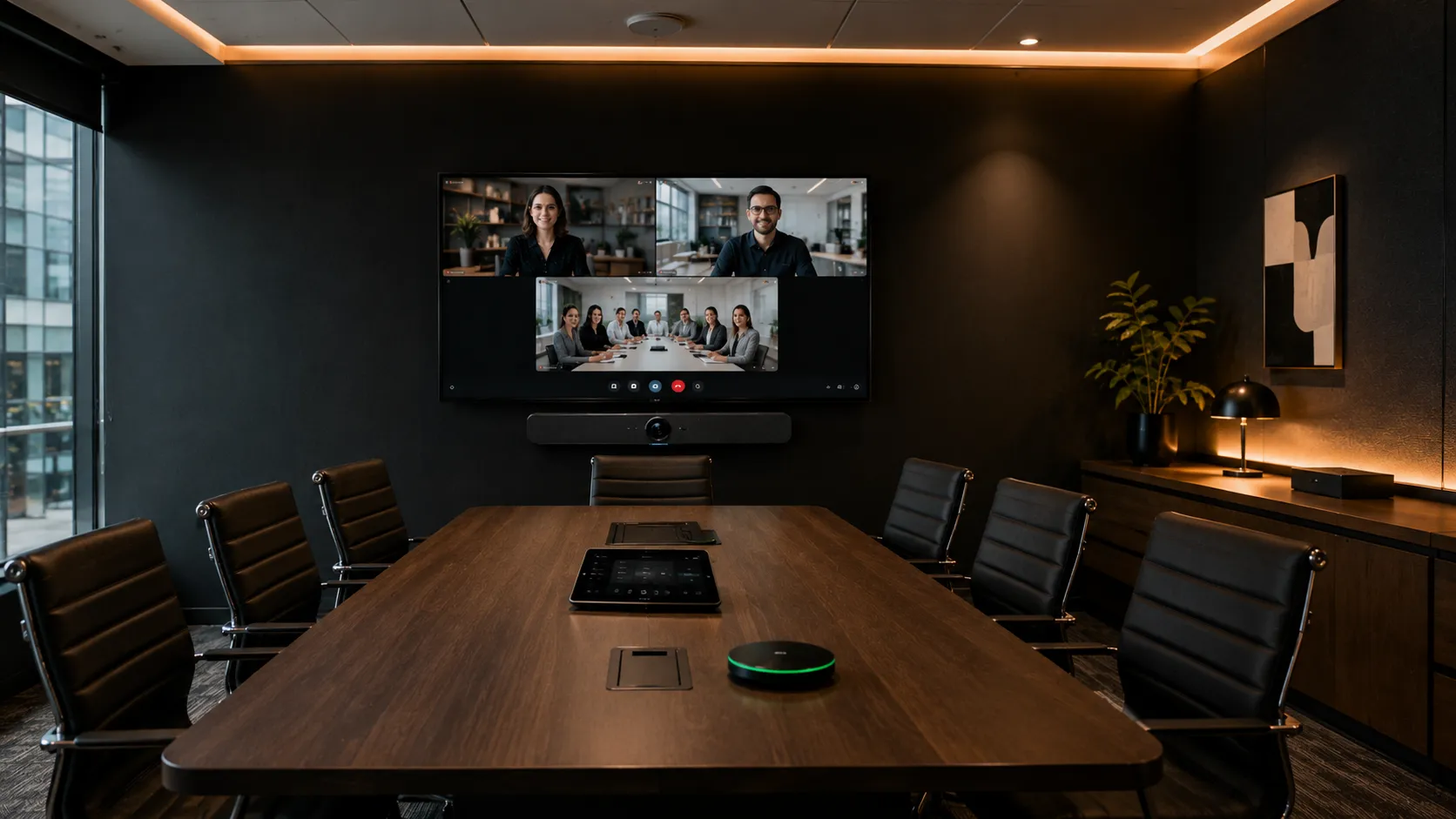
Medium Meeting Room Solutions
Best for 4–10 People- Beamforming microphones improve audio pickup across longer tables
- Intelligent speaker framing keeps active participants on screen
- Common systems: Logitech Rally Bar Mini, Yealink A20, Poly Studio X50
- Teams Rooms appliances simplify deployment and IT management
Beamforming microphones and intelligent speaker framing significantly improve hybrid meeting experiences in medium-sized rooms.
Explore Medium Room Solutions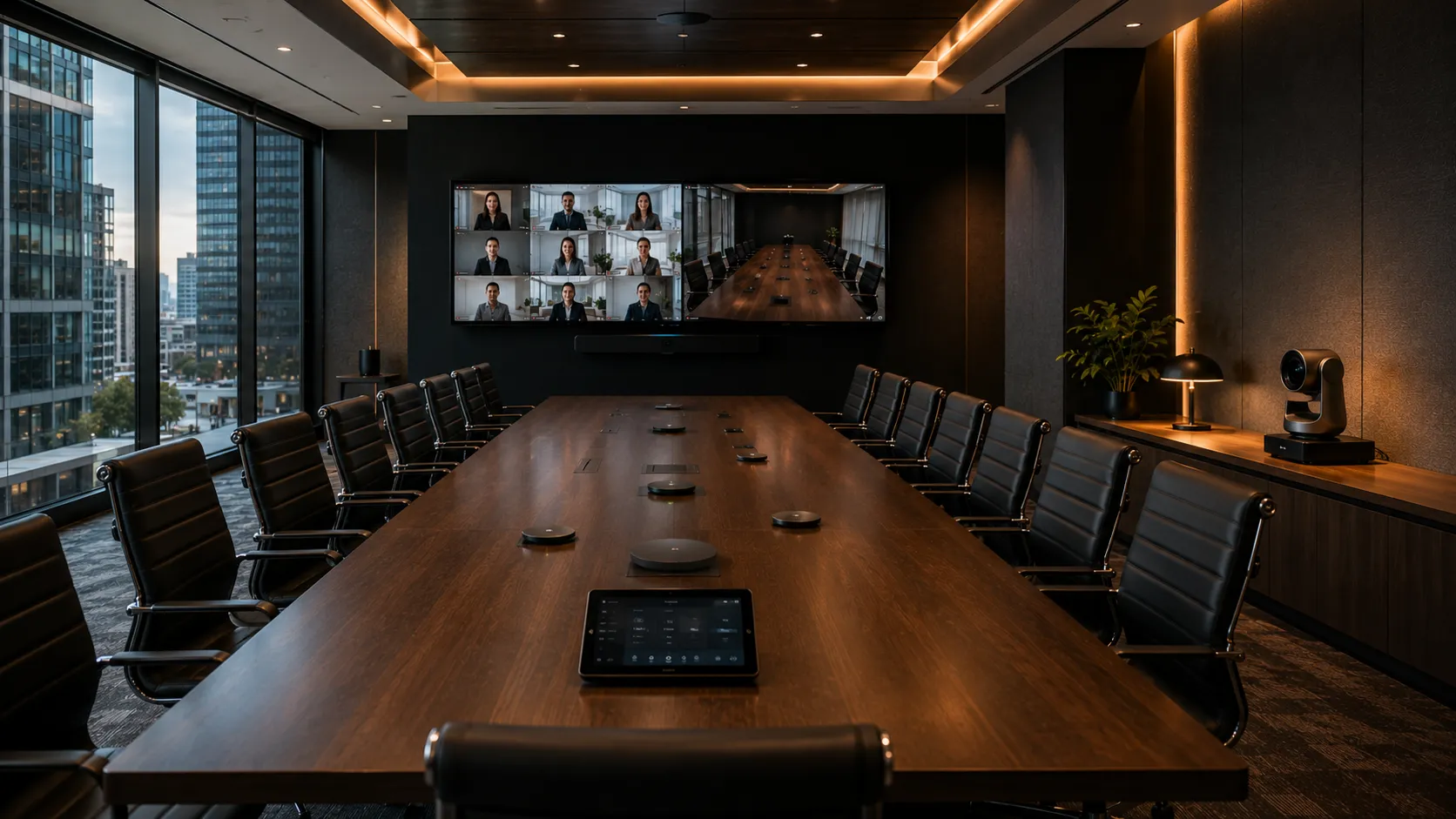
Large Boardroom Conferencing
Best for 10+ People- PTZ cameras with optical zoom capture participants across long tables
- Expandable microphone arrays ensure full room audio coverage
- Common systems: Logitech Rally Plus, Yealink MVC, AVer PTZ cameras
- Glass walls and hard surfaces often cause echo — room acoustics matter
In large rooms, microphone coverage and camera placement have a bigger impact on meeting quality than raw camera resolution.
Explore Boardroom Conferencing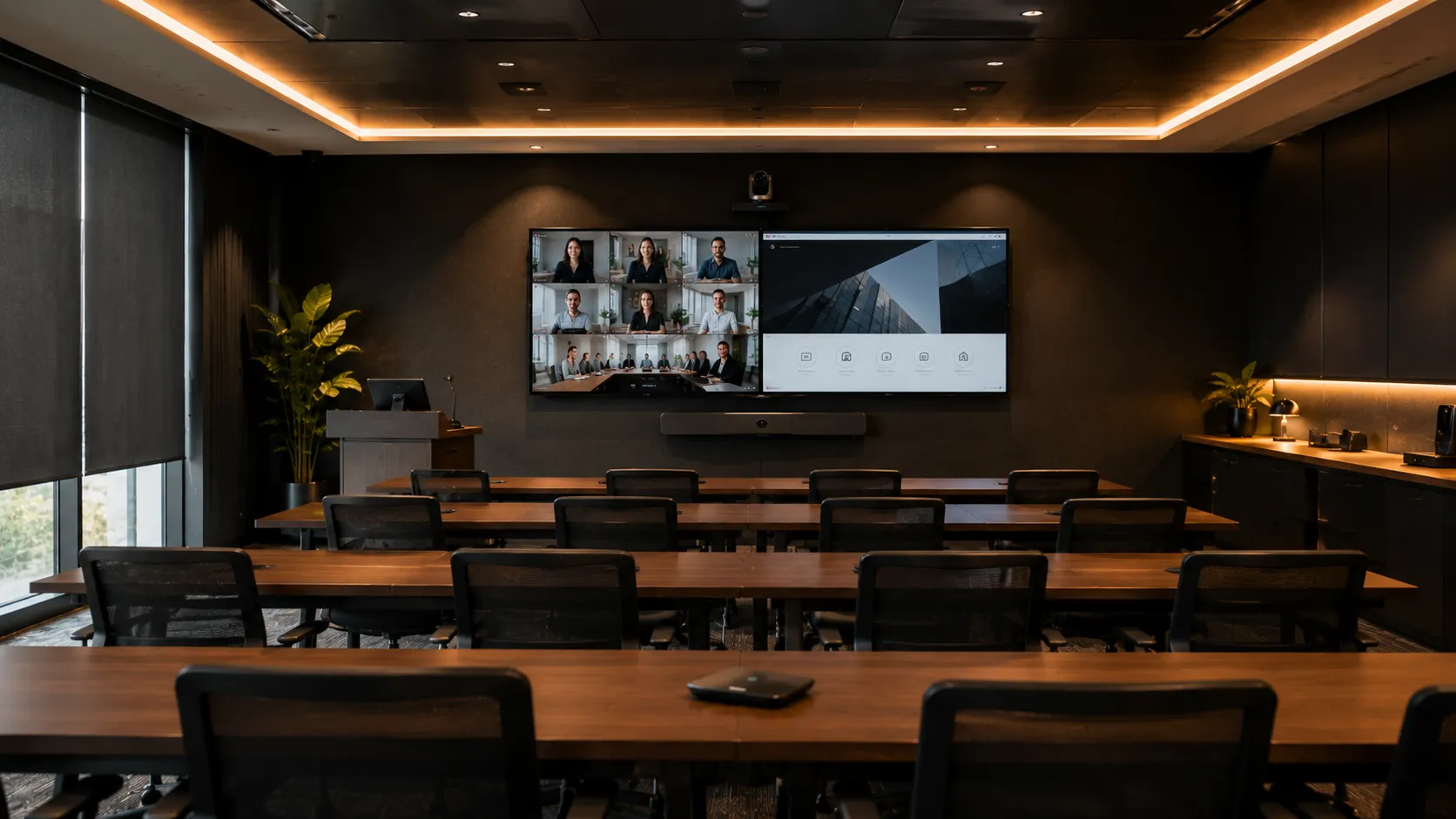
Training & Collaboration Spaces
Variable Capacity- Wireless presentation systems reduce HDMI cable frustration
- Presenter tracking keeps the speaker in frame automatically
- Interactive displays support whiteboarding and content sharing
- Hybrid workflows suit both in-room and remote participants
Training and collaboration spaces often benefit from wireless presentation and interactive displays rather than conferencing bars alone.
Explore Collaboration SolutionsHardware Guide
What Hardware Is Actually Needed in a Modern Conferencing Room?
Modern conferencing environments can include conferencing bars, PTZ cameras, conference microphones, wireless presentation systems and collaboration accessories. The right combination depends heavily on room size, collaboration style and deployment goals. Many businesses overspend on hardware they do not actually need while underestimating the importance of microphone placement, usability and room acoustics.

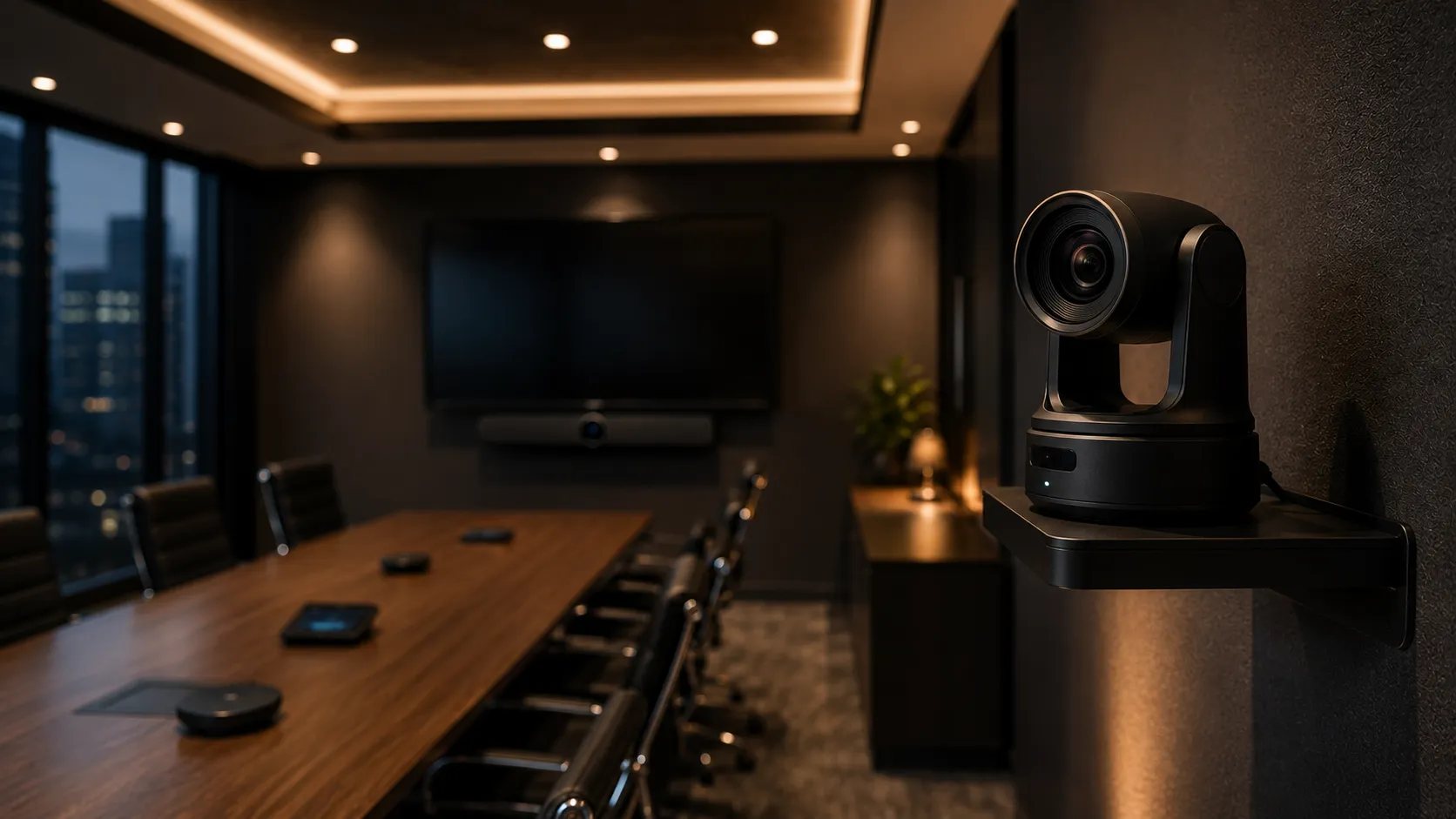
All-In-One Video Conferencing Systems
Best ForCommon Products- Logitech Rally Bar
- Yealink MeetingBar Series
- Poly Studio X Systems
Many businesses prefer all-in-one conferencing bars because they reduce meeting room complexity and create fewer support issues for internal IT staff.
Video Conferencing Cameras
Best ForCommon Products- Logitech PTZ Pro Cameras
- AVer Tracking Cameras
- Poly EagleEye Systems
In many larger rooms, optical zoom and framing intelligence matter far more than simply upgrading camera resolution alone.
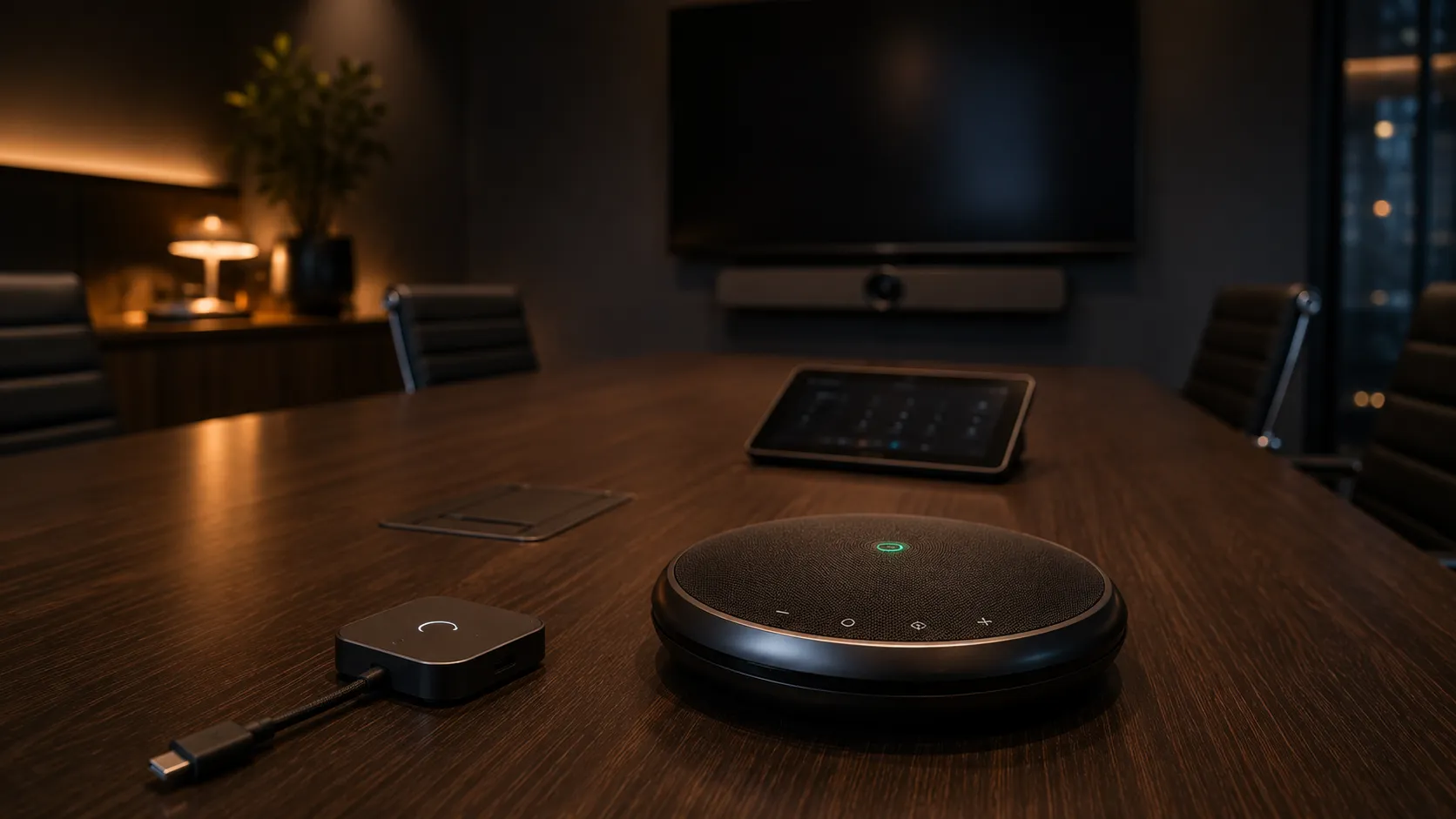
Conference Audio & Collaboration Devices
Best ForCommon Products- Conference Speakerphones
- Wireless Presentation Systems
- Teams Room Controllers
- Beamforming Microphones
Businesses often upgrade cameras first, only to discover poor microphone pickup was the real reason remote participants struggled during meetings.
Brand Comparison
Which Video Conferencing Brand Is Best for Your Environment?
Different conferencing manufacturers specialise in different room environments, deployment styles and collaboration ecosystems. Understanding these differences helps businesses avoid choosing conferencing hardware based purely on marketing features or price alone.
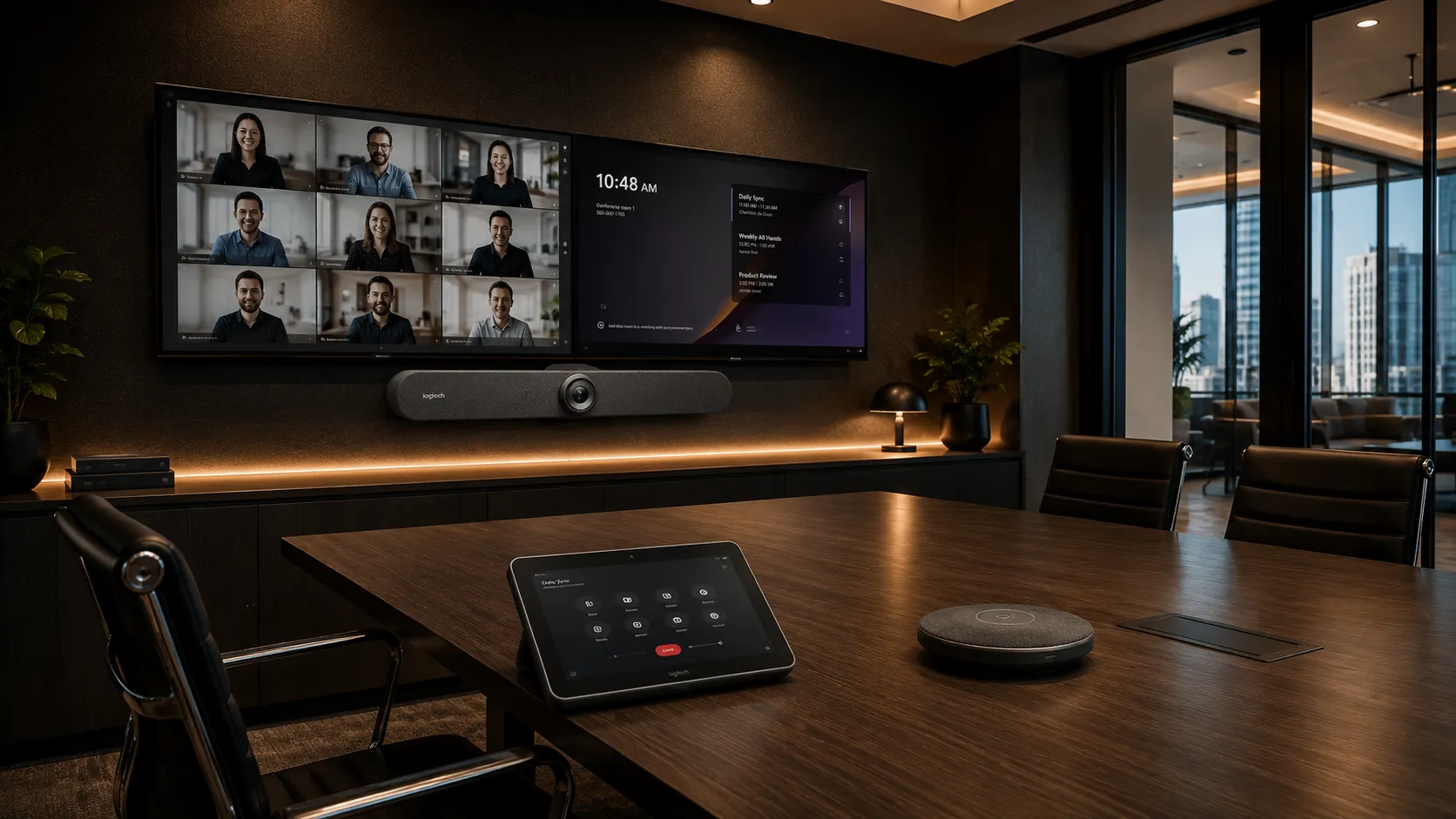
Logitech Video Conferencing
Enterprise Standard Best ForMany businesses standardise on Logitech because the ecosystem scales cleanly from small meeting rooms through to larger Teams Rooms while remaining familiar for IT teams to manage.
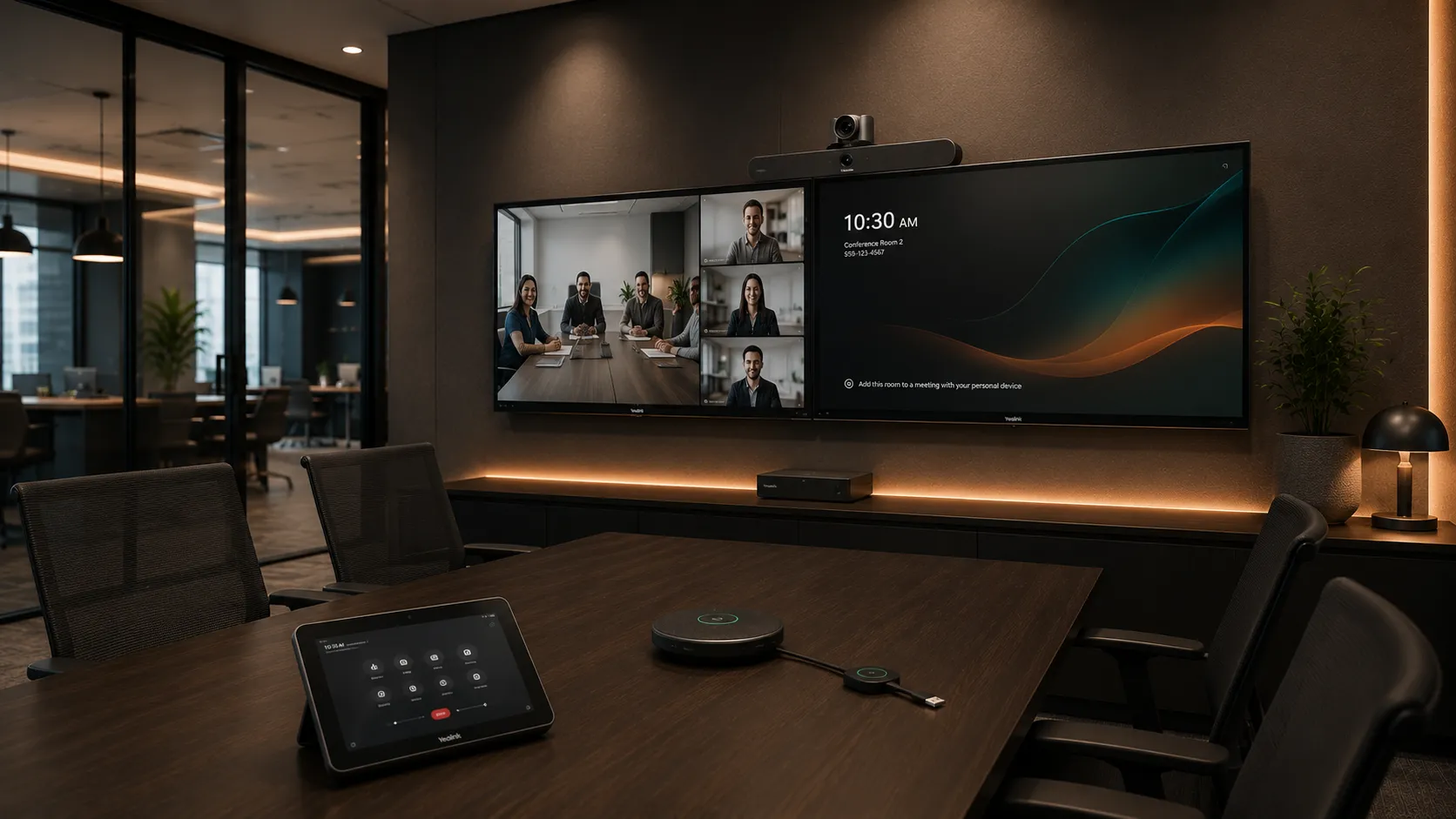
Yealink Video Conferencing
Best Teams Value Best ForYealink systems are often chosen when businesses want native Microsoft Teams functionality without the deployment complexity of larger Windows-based room systems.
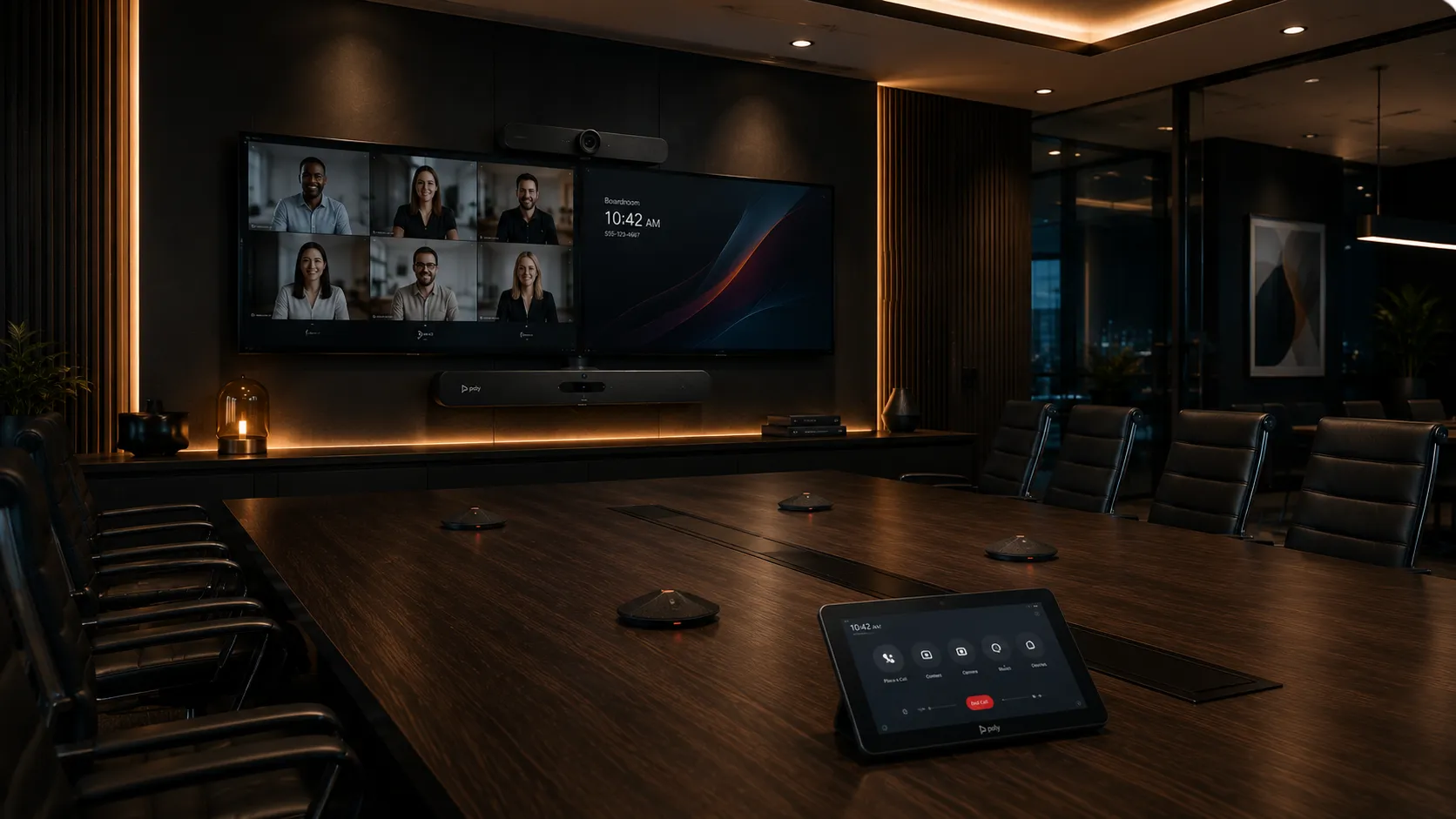
Poly Video Conferencing
Difficult Acoustics Best ForPoly systems are frequently selected for reflective meeting rooms because their microphone processing handles difficult acoustic environments better than many entry-level conferencing bars.
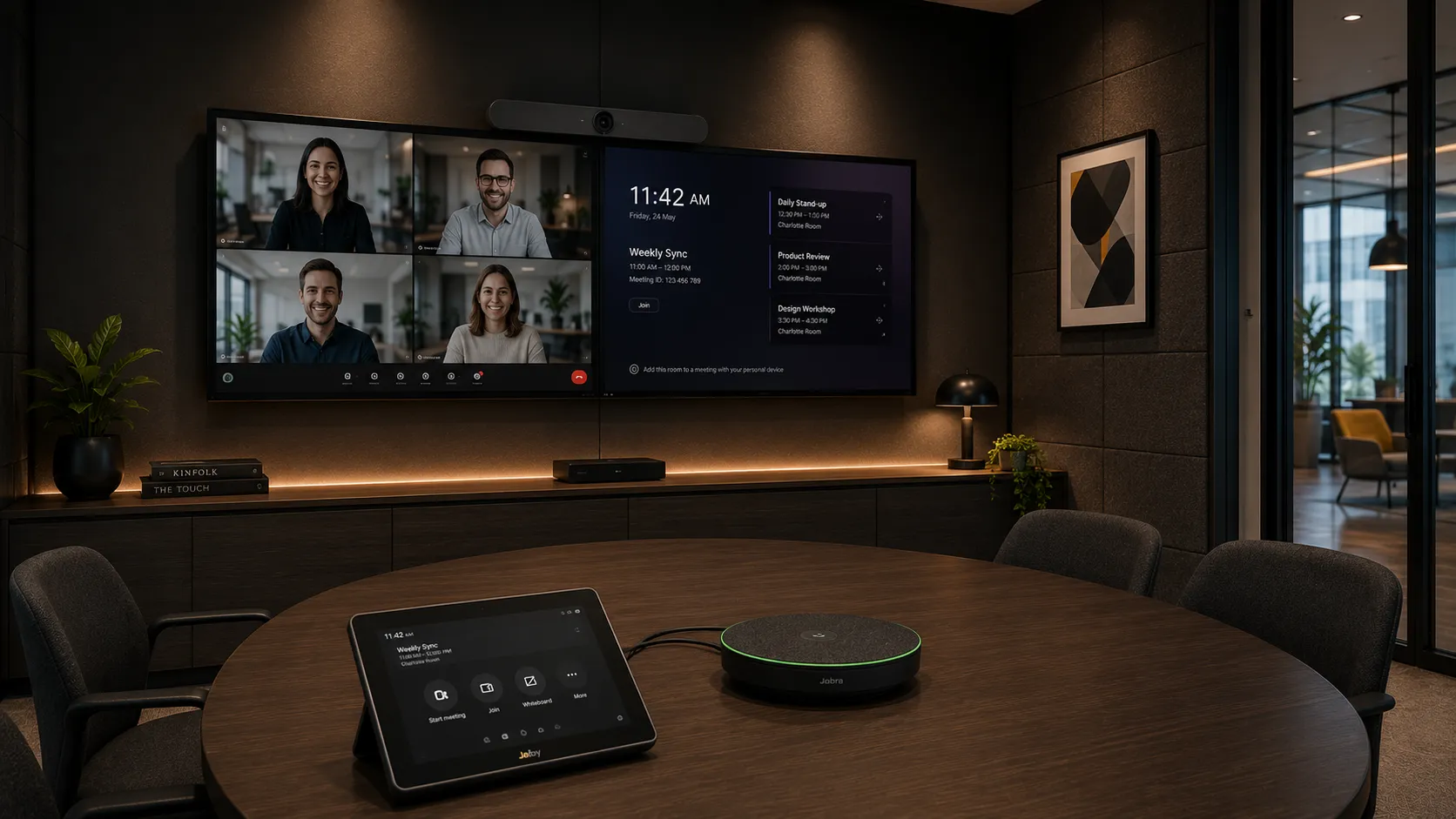
Jabra Video Conferencing
Compact Spaces Best ForJabra PanaCast systems are particularly effective in narrow meeting rooms where participants sit close to the display and traditional cameras struggle to capture everyone naturally.
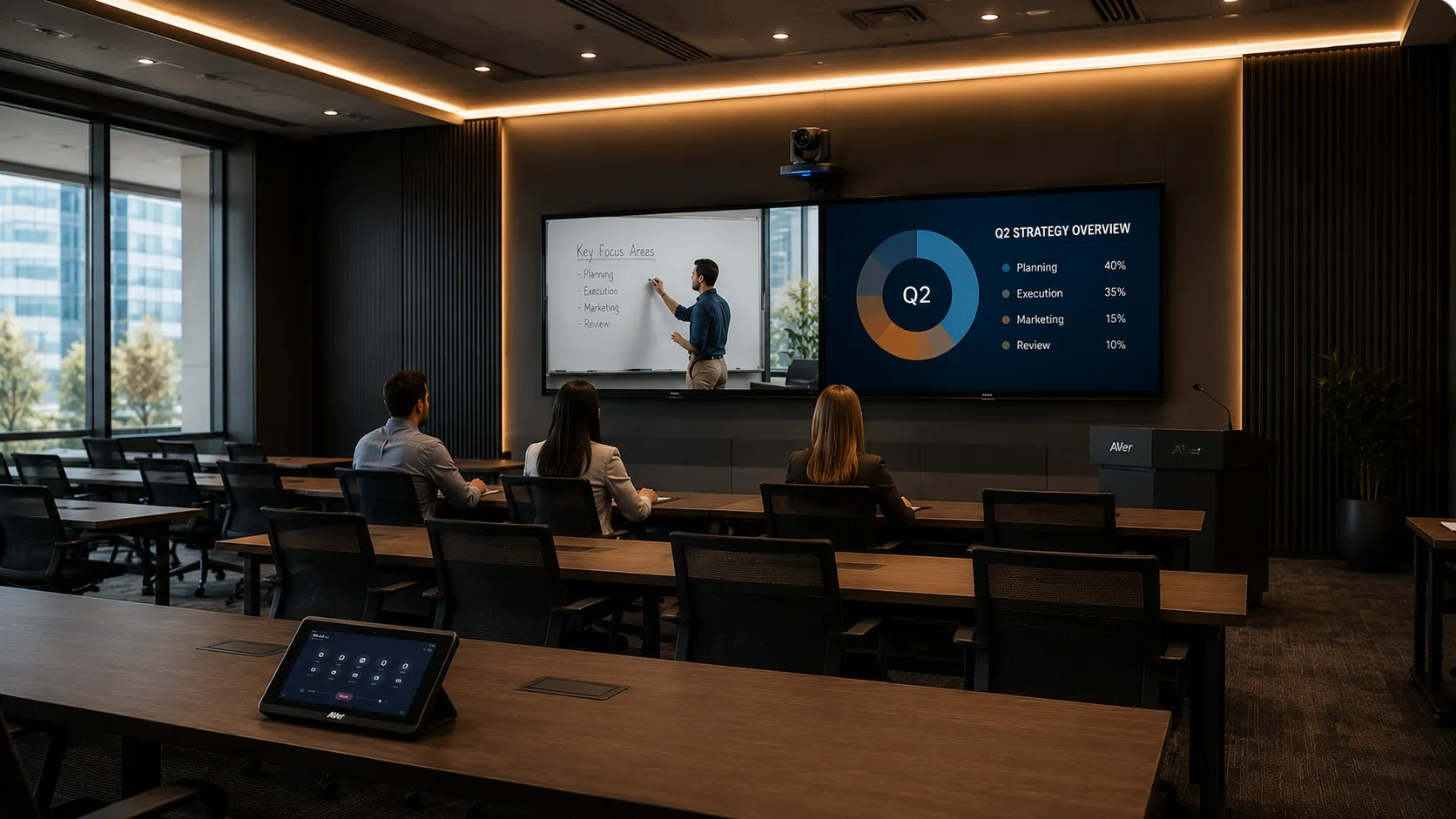
AVer Video Conferencing
PTZ & Tracking Best ForAVer conferencing systems are popular in training rooms and presentation spaces where presenter tracking and optical zoom performance matter more than fixed camera coverage.
Platform Comparison
Should You Choose Microsoft Teams Rooms or Zoom Rooms?
Dedicated conferencing platforms simplify hybrid meetings by integrating room hardware, scheduling and collaboration workflows into a unified environment. The right platform often depends more on your organisation's existing software ecosystem and IT management preferences than the conferencing hardware itself.
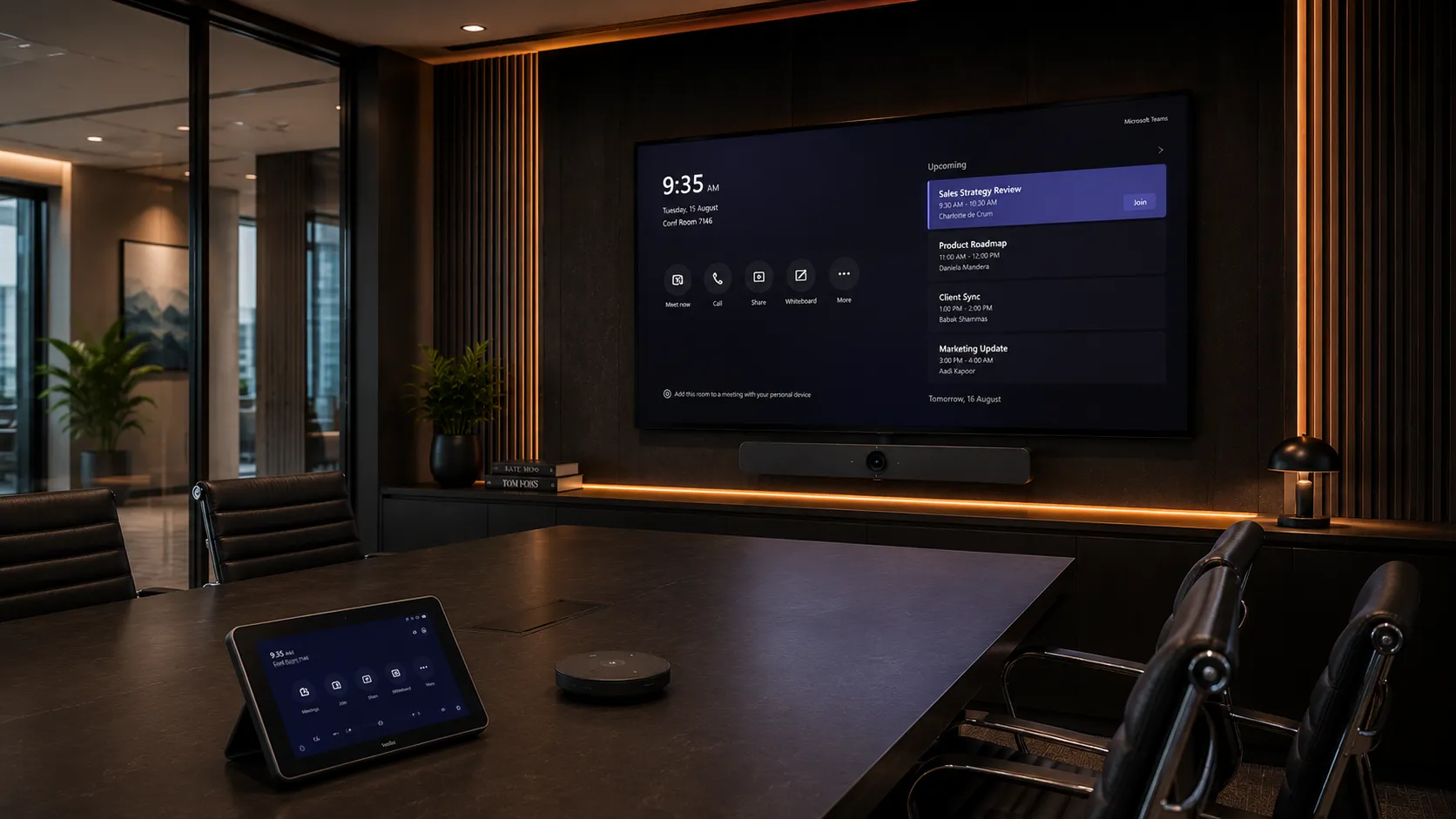
Microsoft Teams Rooms
- Integrates directly with Microsoft 365 calendars and workflows
- One-touch meeting join for Teams meetings
- Enterprise authentication and device management via Intune
- Available as Android appliance or Windows-based room systems
- Strong ecosystem support from Logitech, Yealink and Poly
Businesses already invested in Microsoft 365 often prefer Teams Rooms because user adoption tends to be easier when conferencing workflows already match existing internal systems.
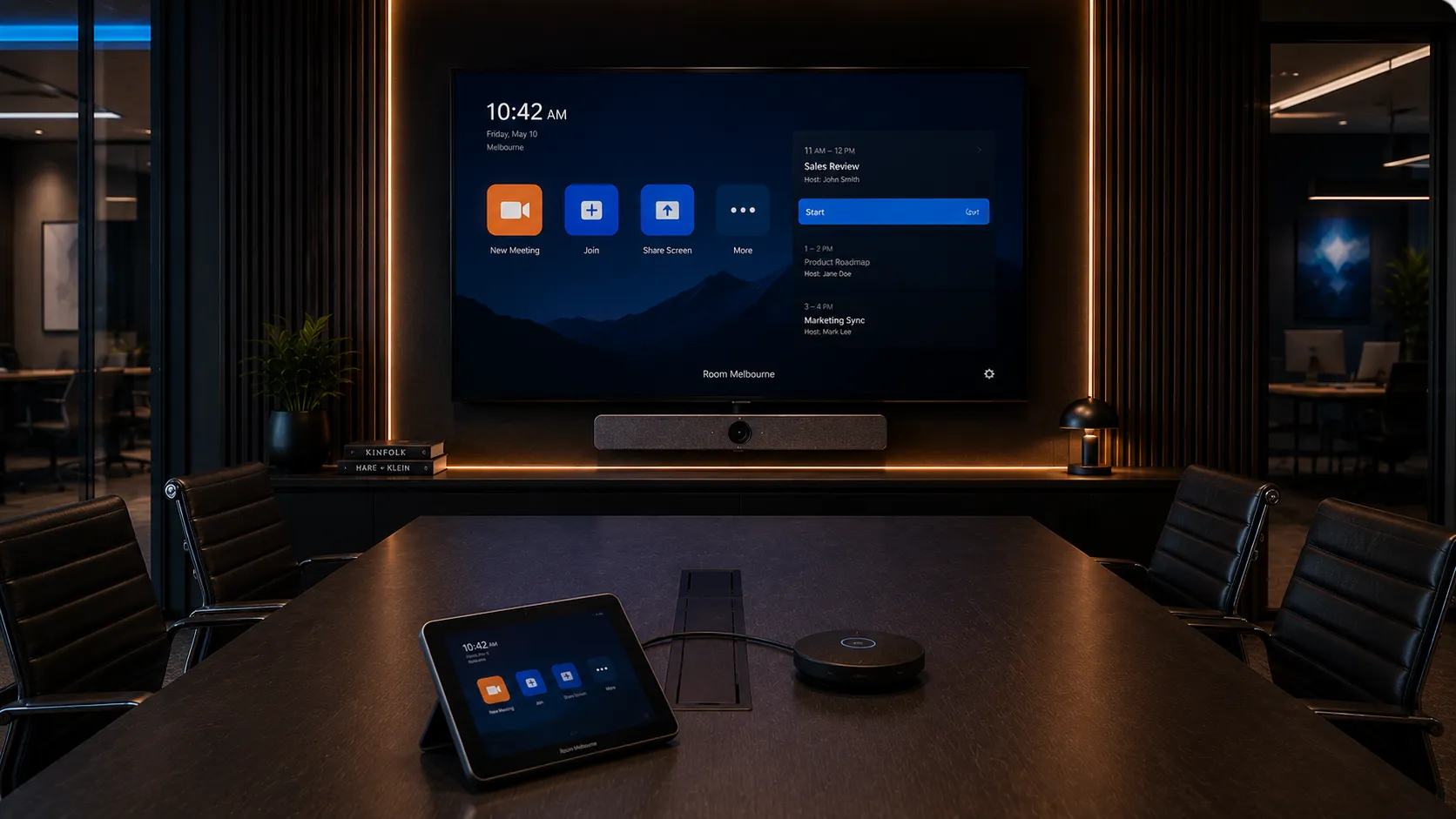
Zoom Rooms
- Simple one-touch meeting start with minimal user training required
- Strong wireless presentation and BYOD content sharing
- Works well across mixed device environments
- Fast deployment with straightforward room controller setup
- Compatible hardware from Logitech, Poly and Yealink
Zoom Rooms deployments are popular in flexible collaboration environments where ease-of-use and fast meeting startup times are prioritised over deeper Microsoft ecosystem integration.
Expert Guidance
What Actually Causes Bad Hybrid Meetings?
Most conferencing frustrations are caused by room design and deployment decisions rather than the hardware itself. Understanding these common meeting room problems before purchasing conferencing equipment can dramatically improve long-term meeting performance and reduce expensive upgrade mistakes.
Why Camera Placement Matters More Than Resolution
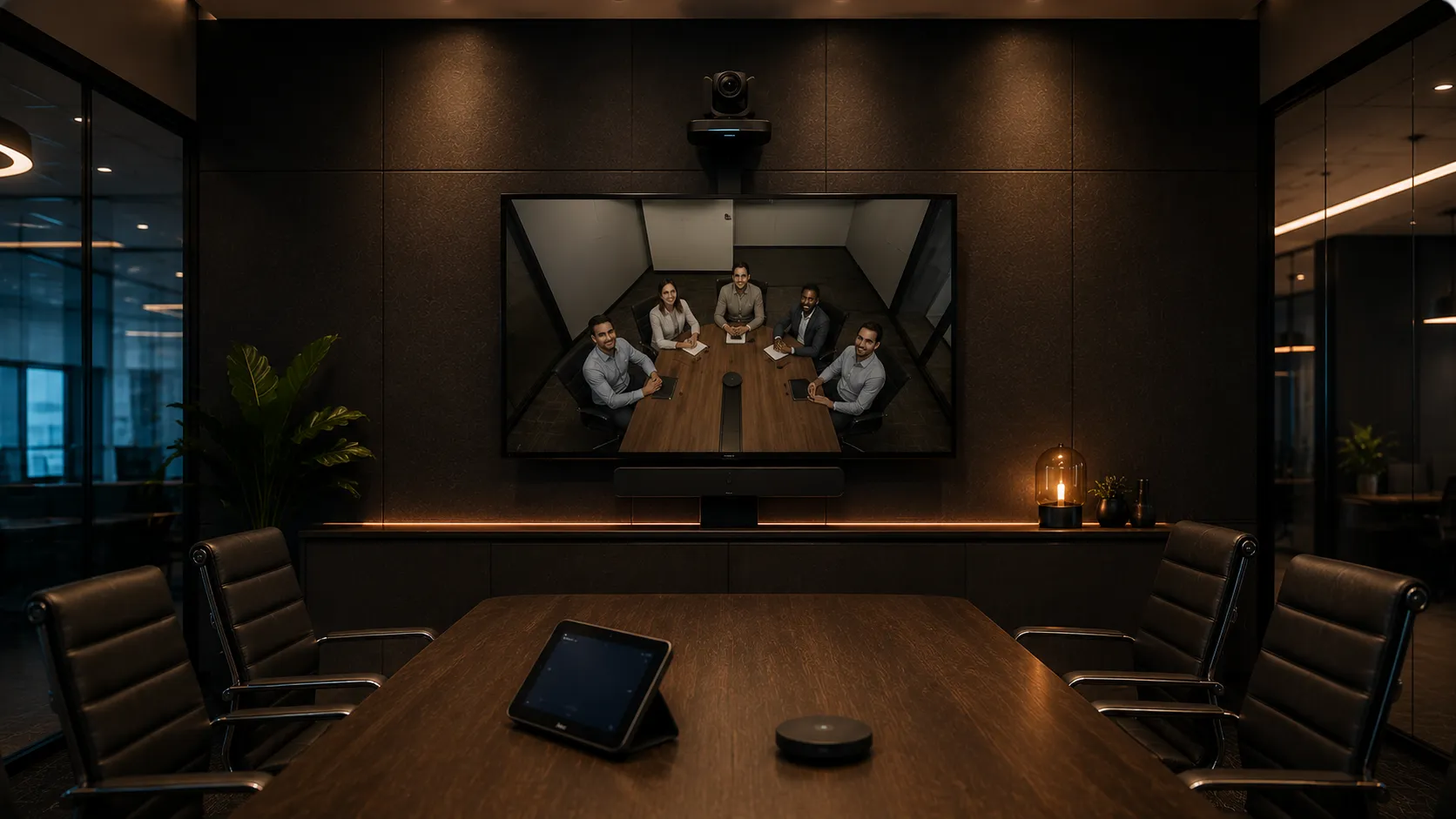
A poorly positioned 4K conference camera often creates worse meeting experiences
than a correctly positioned wide-angle camera with intelligent framing.
In small meeting rooms, mounting the camera too high above the display creates
unnatural viewing angles where remote participants feel disconnected from the
conversation. In larger boardrooms, insufficient optical zoom can make participants
at the far end of the table appear distant and unclear — regardless of how high
the camera resolution is.
For most meeting environments, field-of-view coverage, camera height and positioning
have a bigger impact on meeting quality than raw resolution alone.
Many businesses upgrade to 4K cameras expecting a dramatic improvement, only to find the real issue was camera height and angle — not resolution.
Why Glass Boardrooms Often Sound Worse During Hybrid Meetings
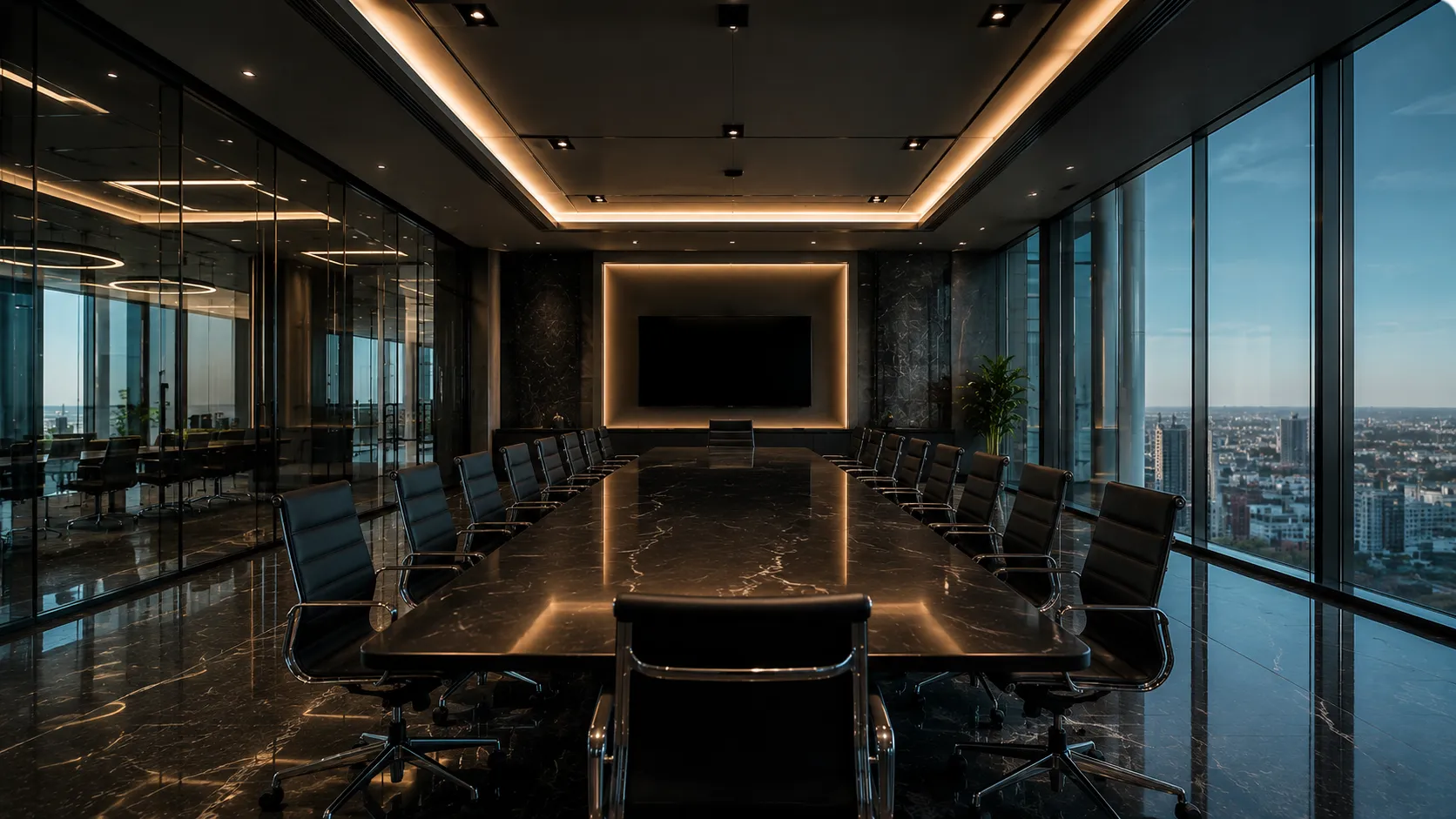
Modern offices frequently feature glass walls, polished concrete floors and
hard reflective surfaces that create echo and microphone reflections during
hybrid meetings.
This is one of the most common reasons businesses blame their conferencing
hardware when the real problem is room acoustics. Sound bounces off hard surfaces
and returns to the microphone as echo, making remote participants struggle to
follow conversations even when expensive conferencing hardware is installed.
In these environments, beamforming microphones, acoustic fencing technologies
and proper microphone placement can dramatically improve voice clarity — often
more than replacing the conferencing system entirely.
Glass boardrooms are one of the most acoustically challenging environments for hybrid meetings. The room design often matters more than the conferencing hardware brand.
Why Businesses Overspend on Cameras and Underspend on Audio
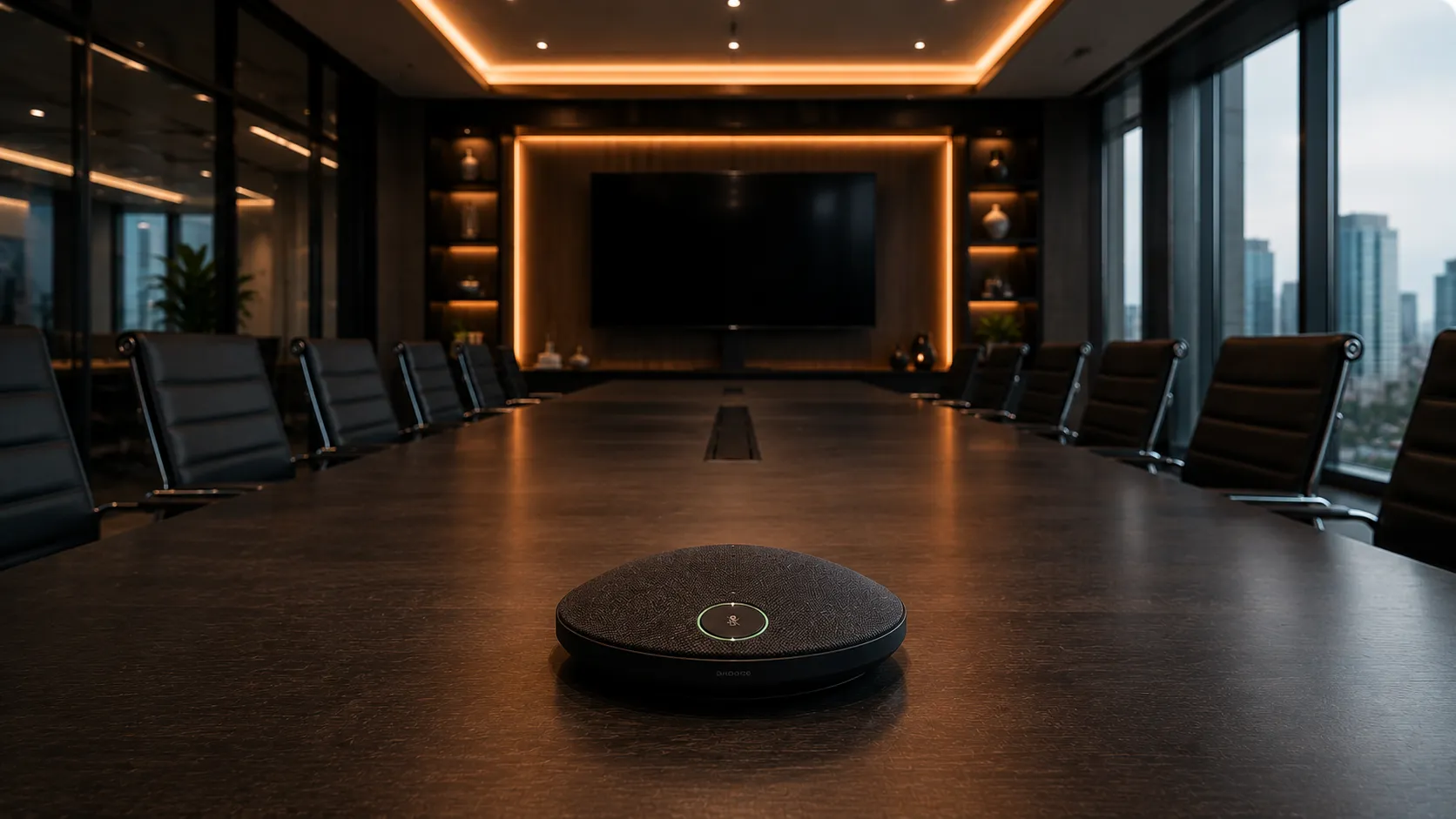
Camera quality is visible and easy to compare. Microphone quality is invisible
until a meeting goes wrong — which is why audio is consistently the most
underfunded part of conferencing deployments.
Businesses often upgrade cameras first, only to discover that poor microphone
pickup was the real reason remote participants struggled to follow conversations.
A remote participant who cannot hear clearly will disengage from the meeting
far faster than one watching a lower-resolution video feed.
In most hybrid meeting environments, investing in proper microphone coverage
— whether through beamforming arrays, ceiling microphones or table units —
delivers a more noticeable improvement to meeting quality than camera upgrades alone.
Audio clarity directly affects how engaged remote participants remain during meetings. Poor audio causes disengagement far more quickly than imperfect video quality.
Why Appliance-Based Teams Rooms Simplify Deployments
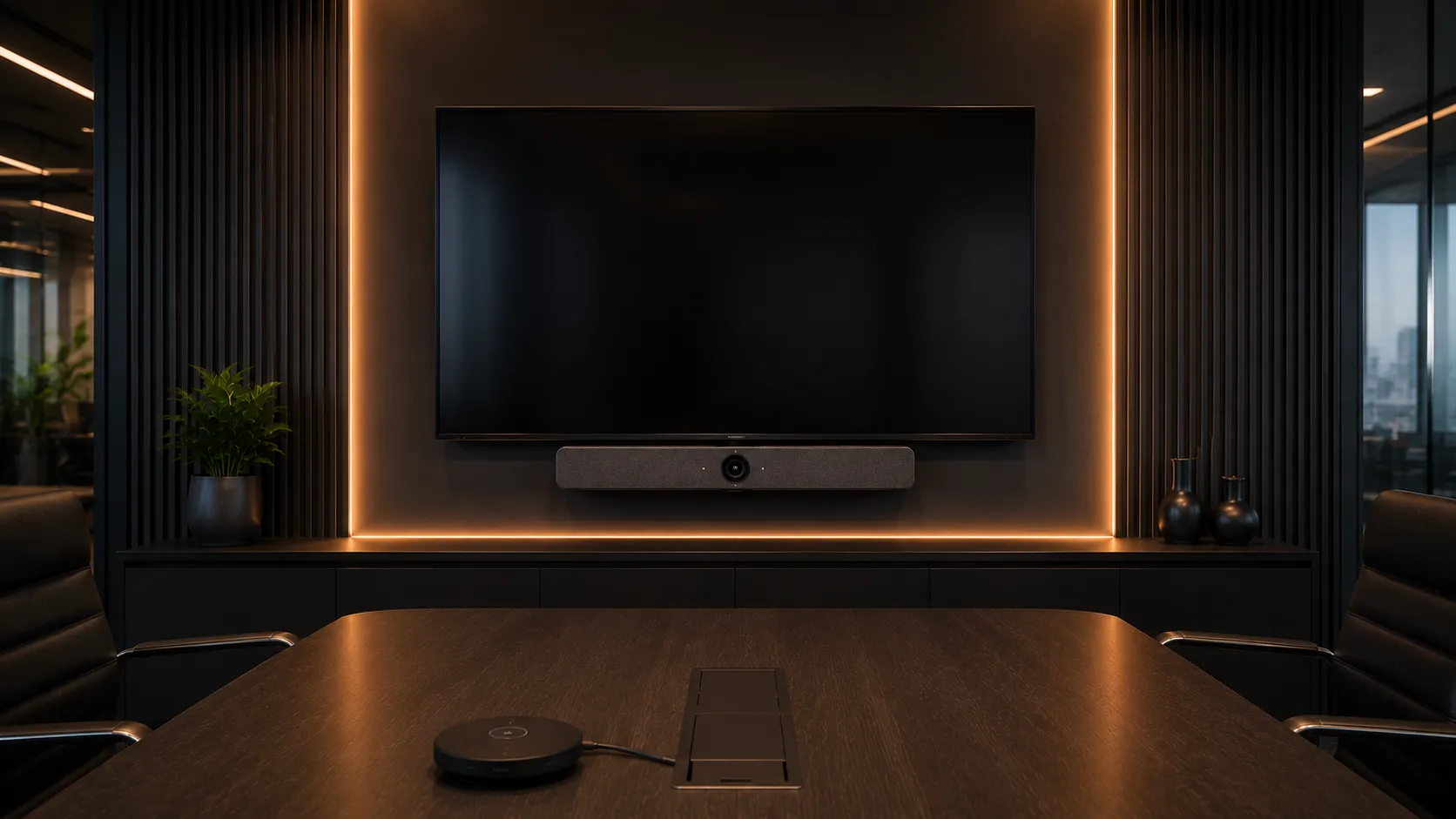
Windows-based Teams Rooms systems offer greater flexibility and enterprise
management capabilities, but they also introduce more deployment complexity
— dedicated compute devices, additional cabling, Windows update management
and more potential failure points.
Android appliance-based conferencing systems such as the Yealink MeetingBar
and Logitech Rally Bar run Teams Rooms directly on the device itself,
eliminating the need for a separate Windows compute unit. This reduces cabling,
simplifies IT support and makes meeting rooms easier for staff to use without
technical assistance.
For many small and medium meeting rooms, the simplicity of appliance mode
outweighs the additional flexibility of Windows-based systems — particularly
in businesses where IT support resources are limited.
Appliance-based Teams Rooms systems consistently generate fewer IT support calls than Windows-based room systems in small and medium meeting room deployments.
Why Wireless Presentation Systems Reduce Meeting Friction
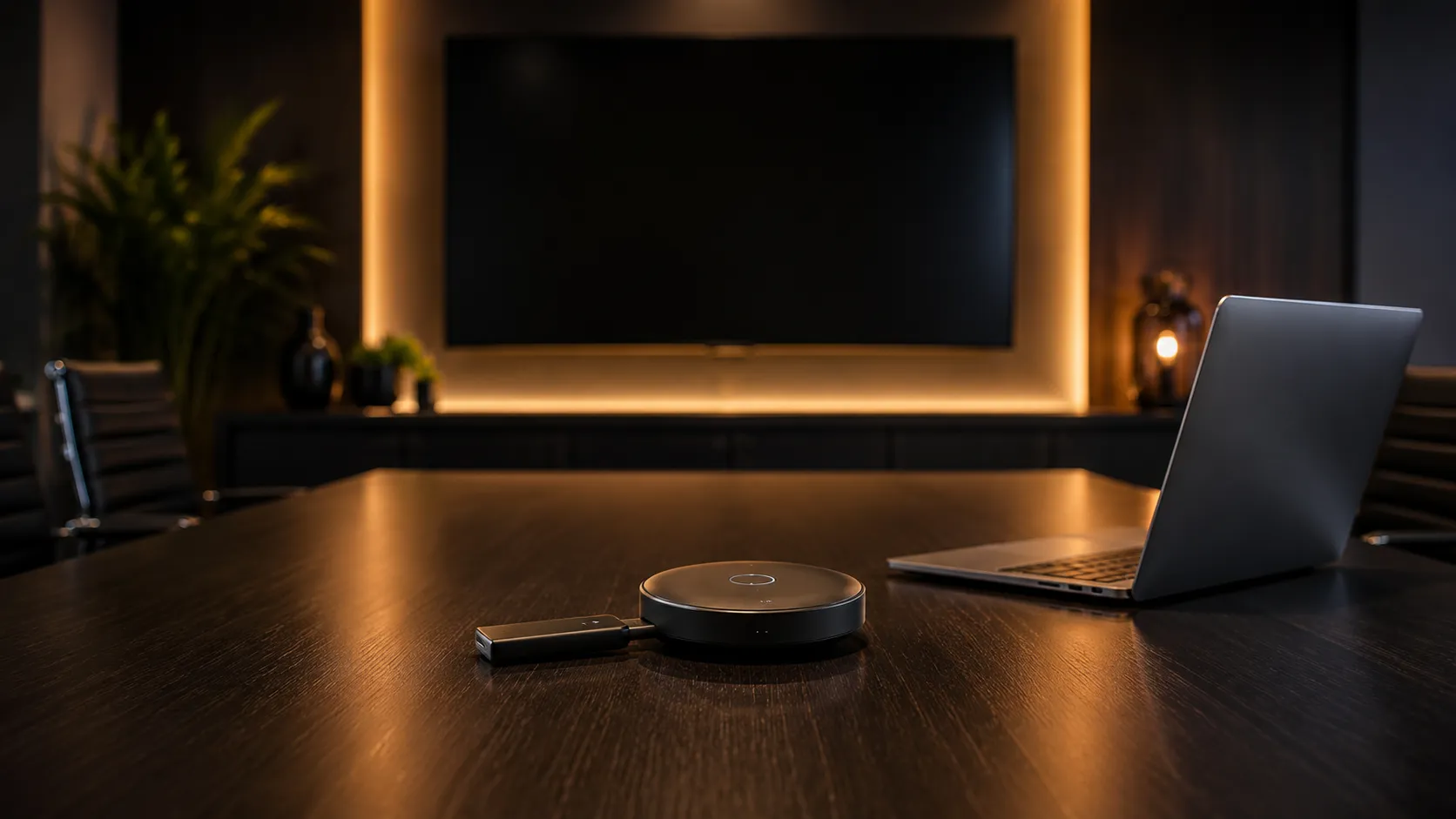
HDMI cables, adapter incompatibilities and missing dongles are among the most
frequently cited sources of meeting room frustration — particularly in
environments where different staff bring different devices to meetings.
Wireless presentation systems allow participants to share content directly
from their laptop, tablet or phone without physical connections. This removes
the scramble for adapters at the start of meetings and significantly reduces
the time wasted before collaboration actually begins.
In BYOD environments and hybrid workspaces where multiple people present from
different devices during a single meeting, wireless presentation systems often
deliver a more noticeable improvement to meeting workflow than upgrading the
conferencing camera or audio system.
In BYOD meeting environments, the first five minutes of many meetings are lost to cable and adapter problems — wireless presentation systems eliminate this friction entirely.