Australian stock, real support
Hardware held locally and shipped Australia-wide. When something goes wrong you speak to the same people who helped you spec the room — not a ticketing system.
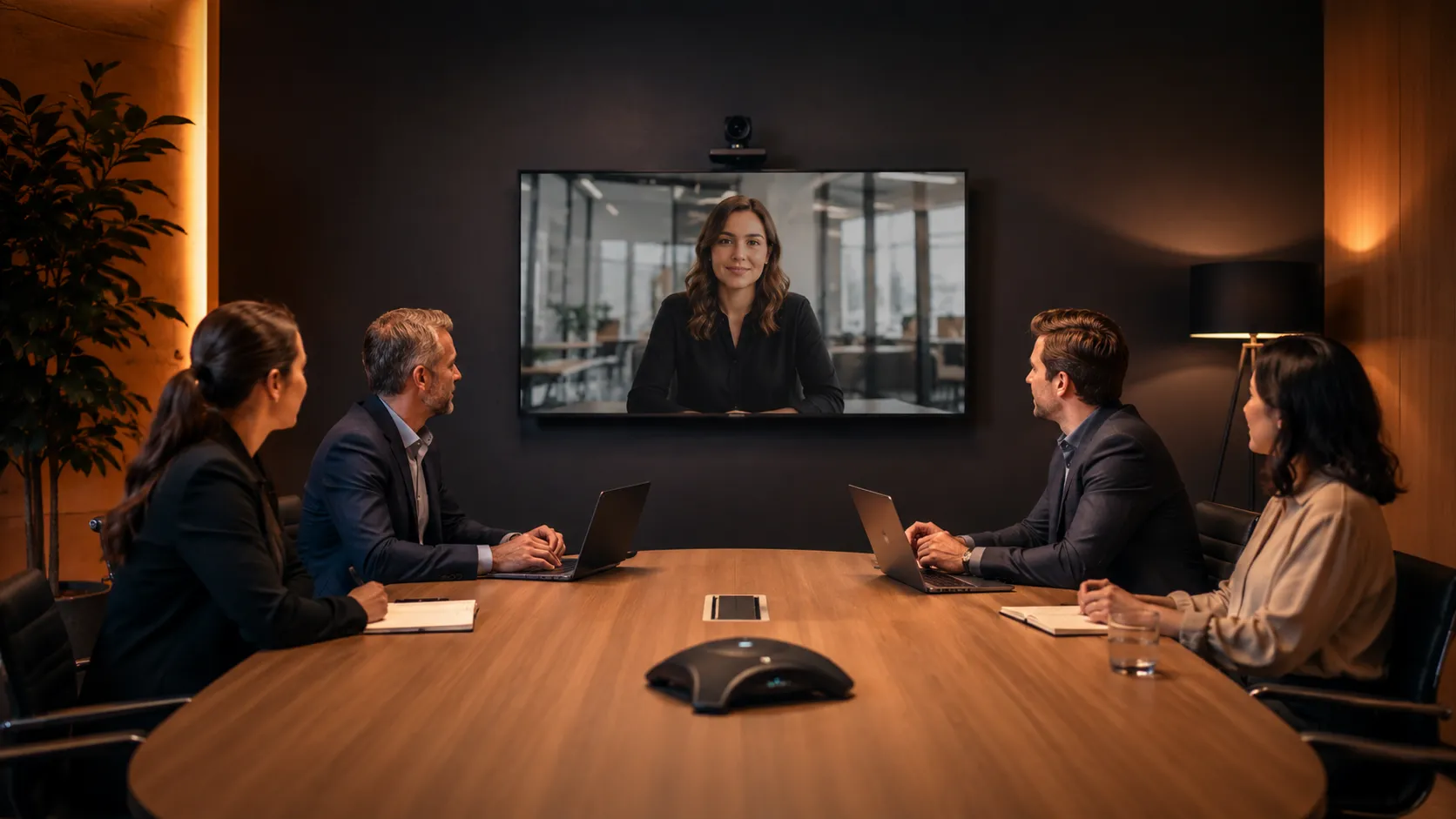
Whether you're equipping a small huddle space, a medium meeting room or a large boardroom, Kickstart Computers supplies video conferencing systems, conference cameras, speakerphones and Microsoft Teams Rooms solutions Australia-wide. We supply leading brands including Logitech, Yealink, Poly, Jabra and AVer and can help match the right hardware to your room size, platform and budget.
Hardware held locally and shipped Australia-wide. When something goes wrong you speak to the same people who helped you spec the room — not a ticketing system.
We'll tell you which one doesn't suit your room as readily as we'll sell you one that does. Independent advice is only possible when you're not locked to a single manufacturer.
We've deployed Microsoft Teams Rooms and Zoom Rooms across single-room setups and multi-site Australian rollouts — the problems that show up in real environments are ones we've already solved.
Over-specifying a small room or under-specifying a boardroom is the most common and most expensive error we see. Every recommendation starts with the room, not the product catalogue.
We've seen platforms rise, rebrand and be discontinued. That perspective matters when you're making a hardware investment that needs to last five years or more.
Browse by product type and filter by brand or room size. If you know what you need, the categories below go straight to the products.
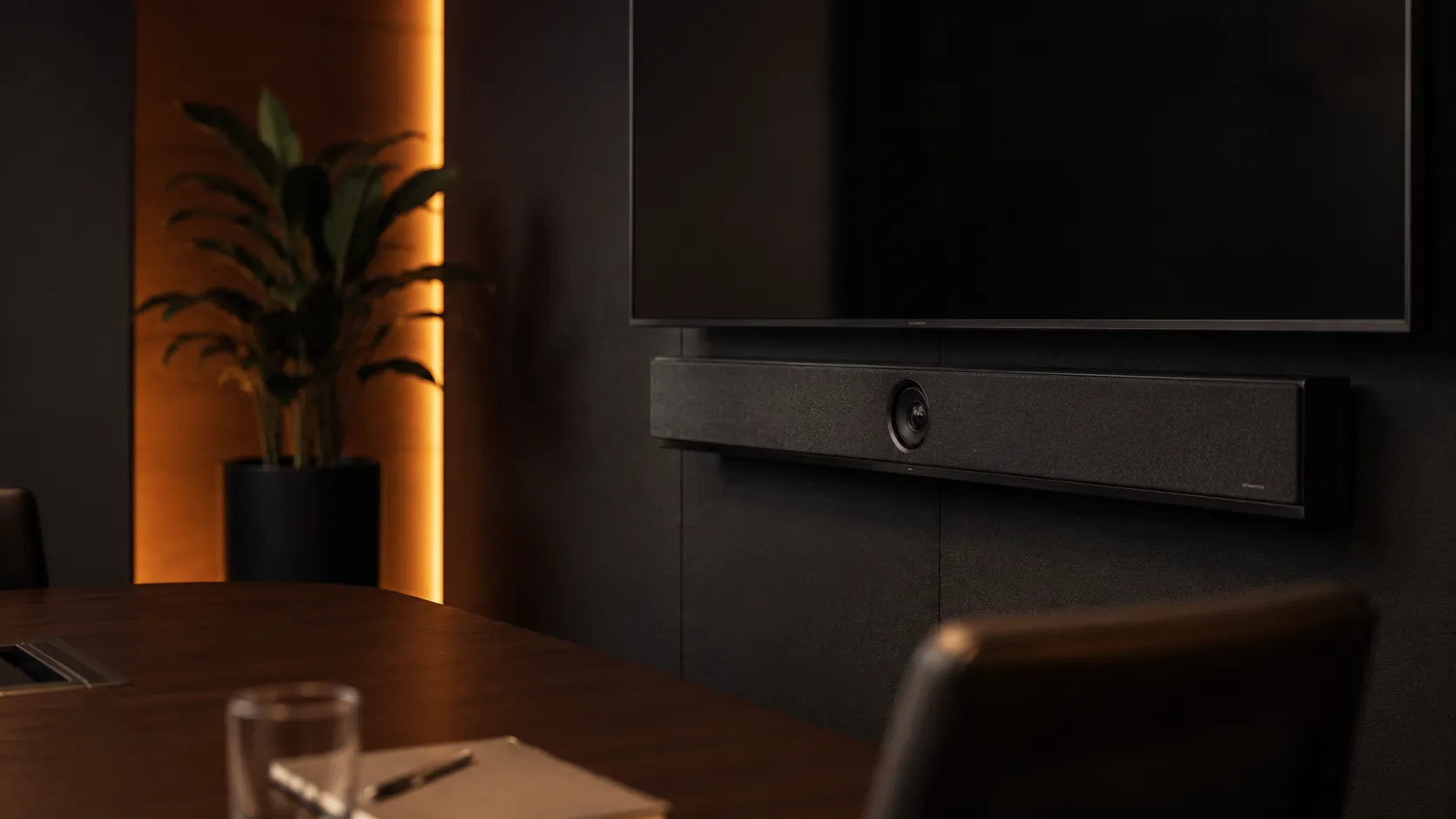
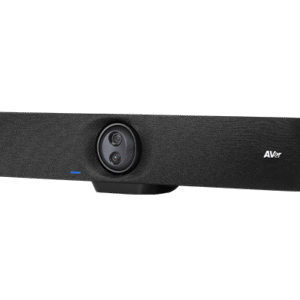
One device handles camera, audio and collaboration — ideal for any room size from huddle space to boardroom. Includes conference bars, full kits and bundled room solutions.
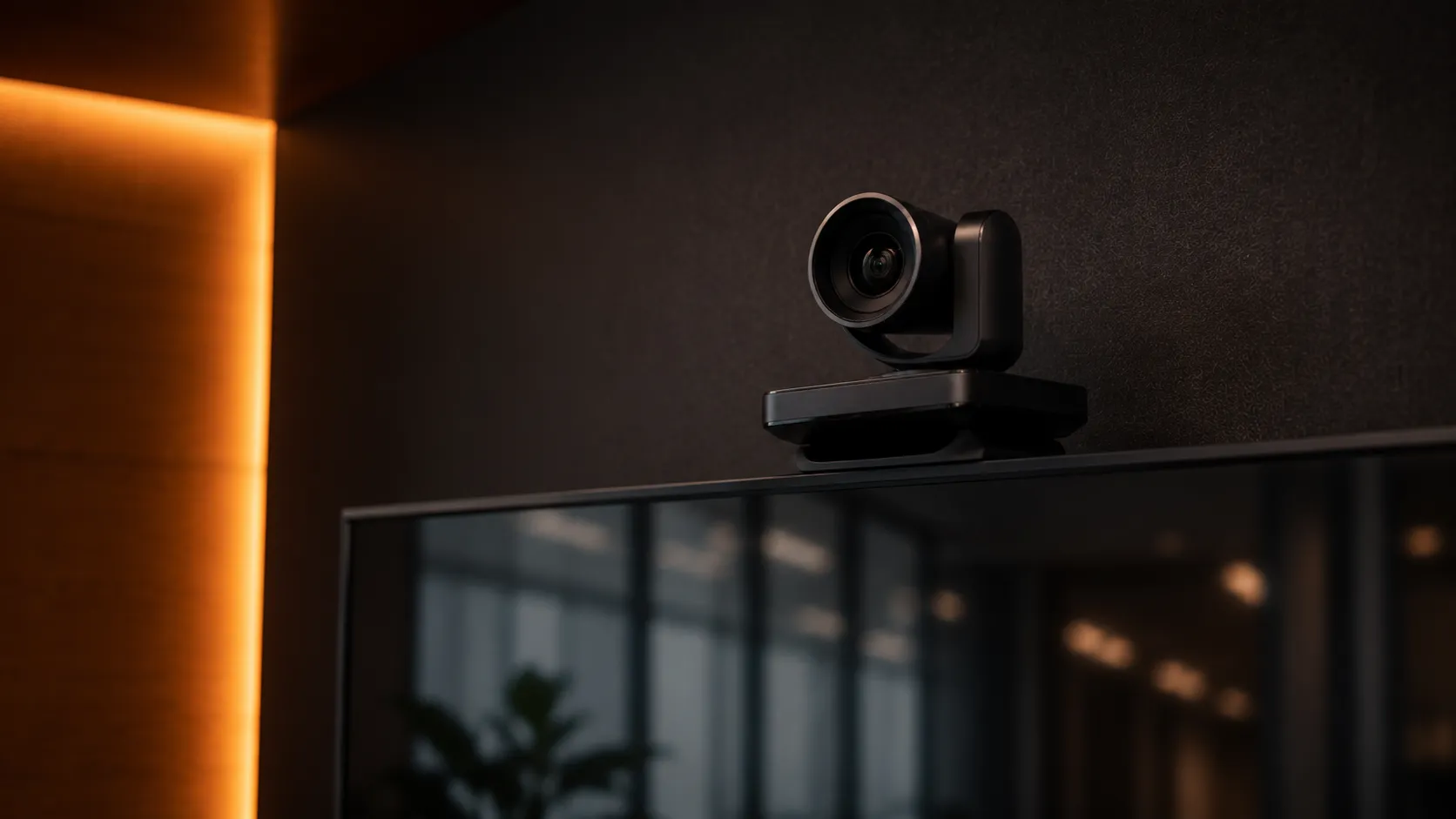
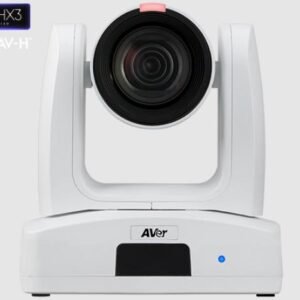
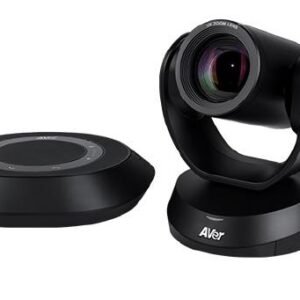
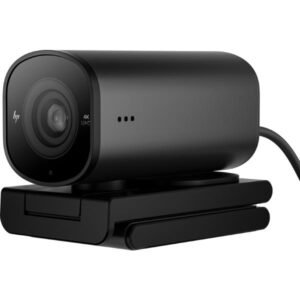
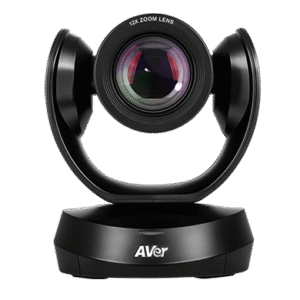
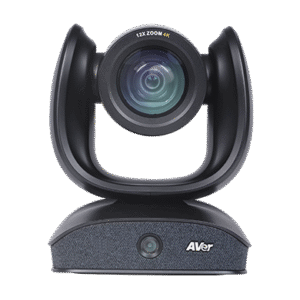
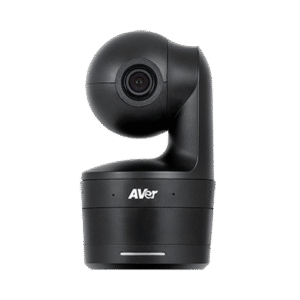
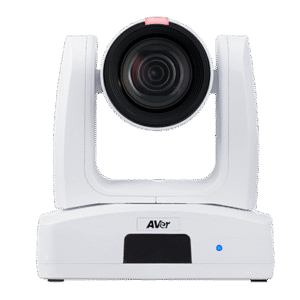
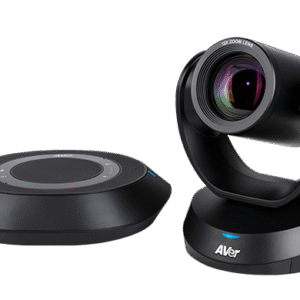
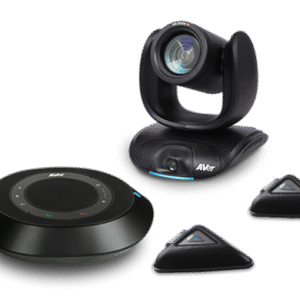
Professional PTZ and fixed cameras for medium to large meeting rooms where a modular setup makes more sense than a bar. Logitech, Poly, Yealink and AVer cameras stocked.
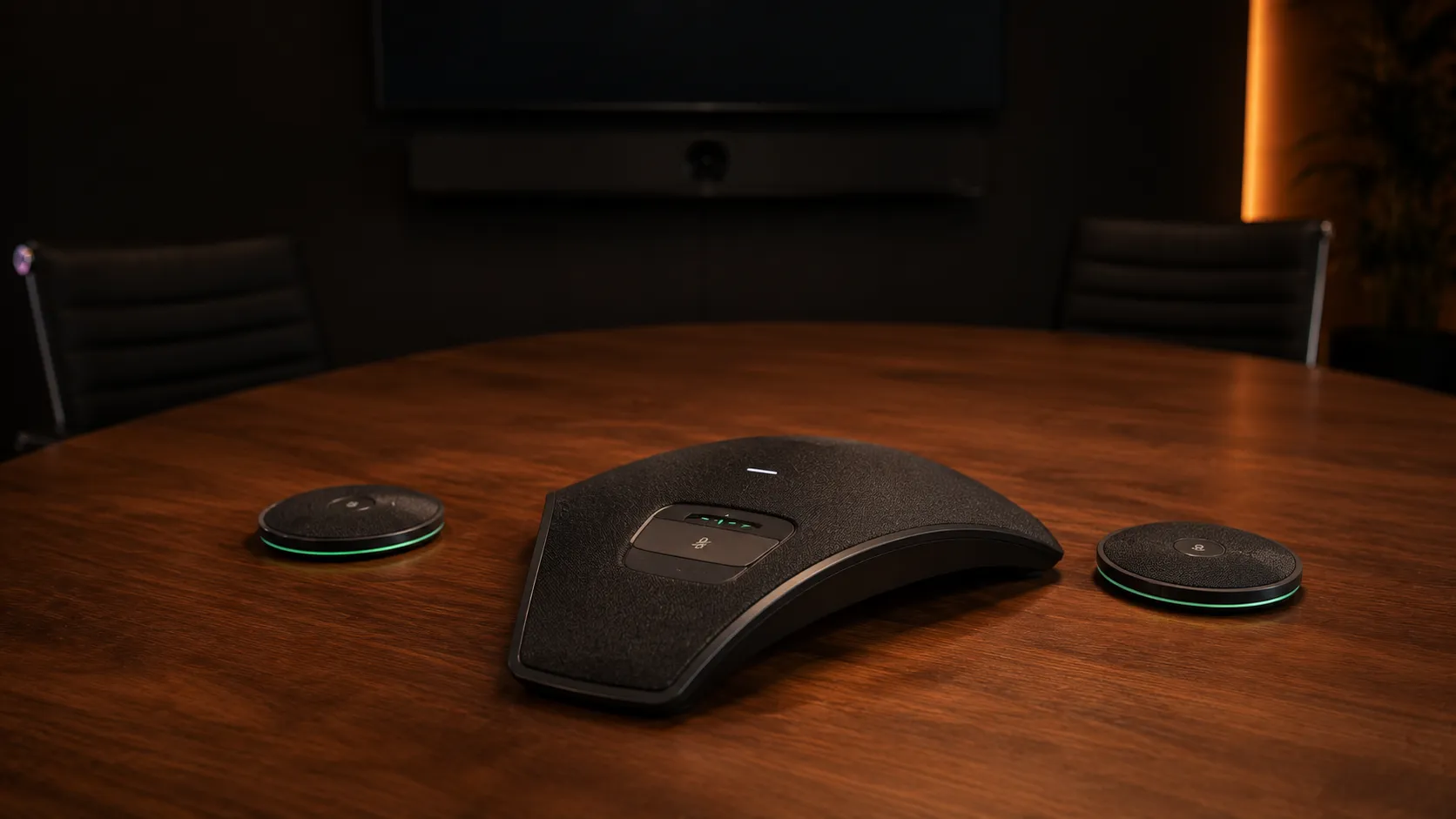
Speakerphones, mic arrays and audio accessories for every room size. Speakerphones are particularly effective in small rooms where audio is the entire solution and a camera bar is unnecessary.
Our core range covers the four manufacturers most widely deployed in Australian business and education environments — plus AVer, a growing name in the Australian AV market.
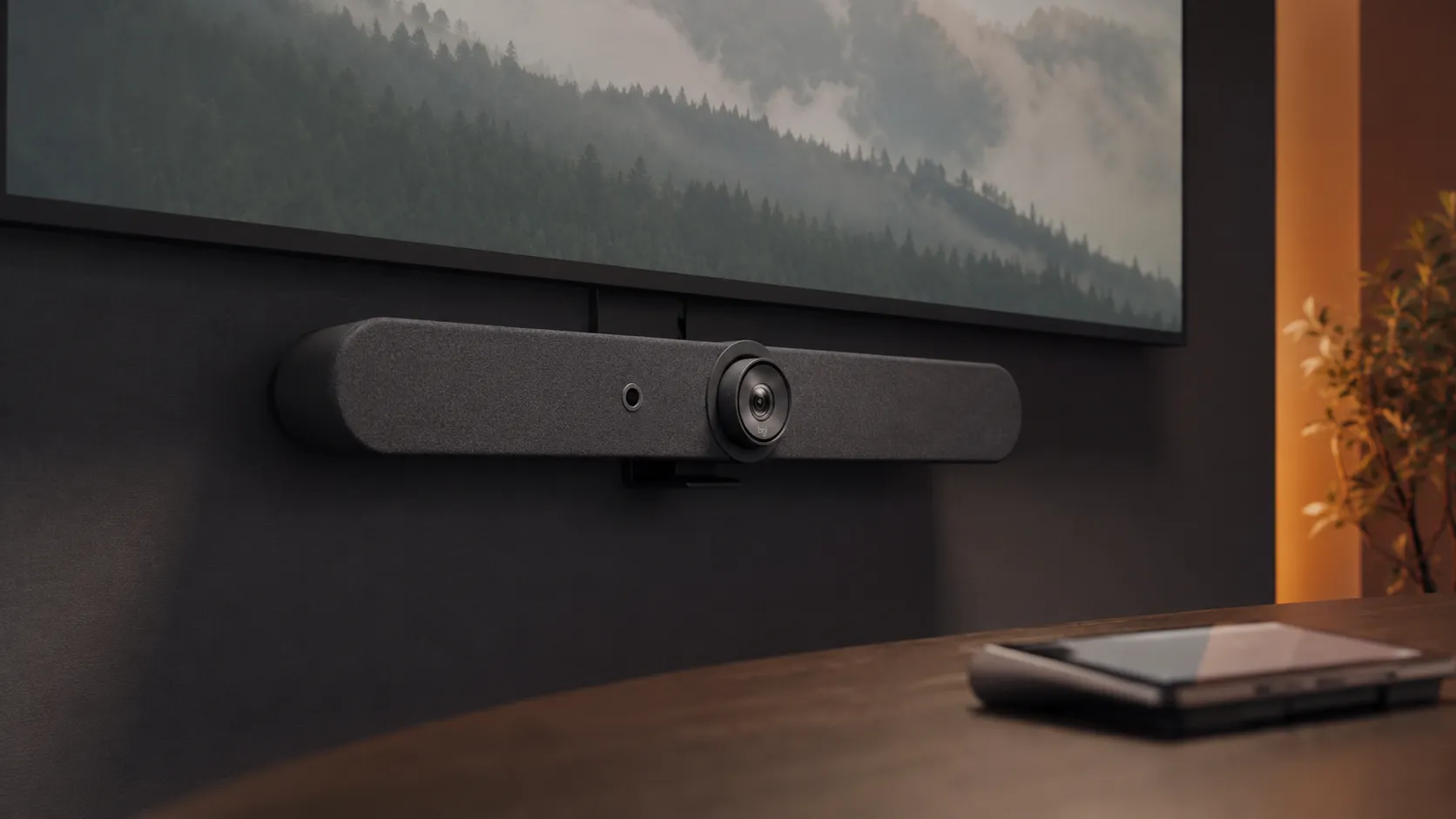
Known for plug-and-play simplicity — a strong choice for businesses wanting reliable hardware that just works across all room sizes.
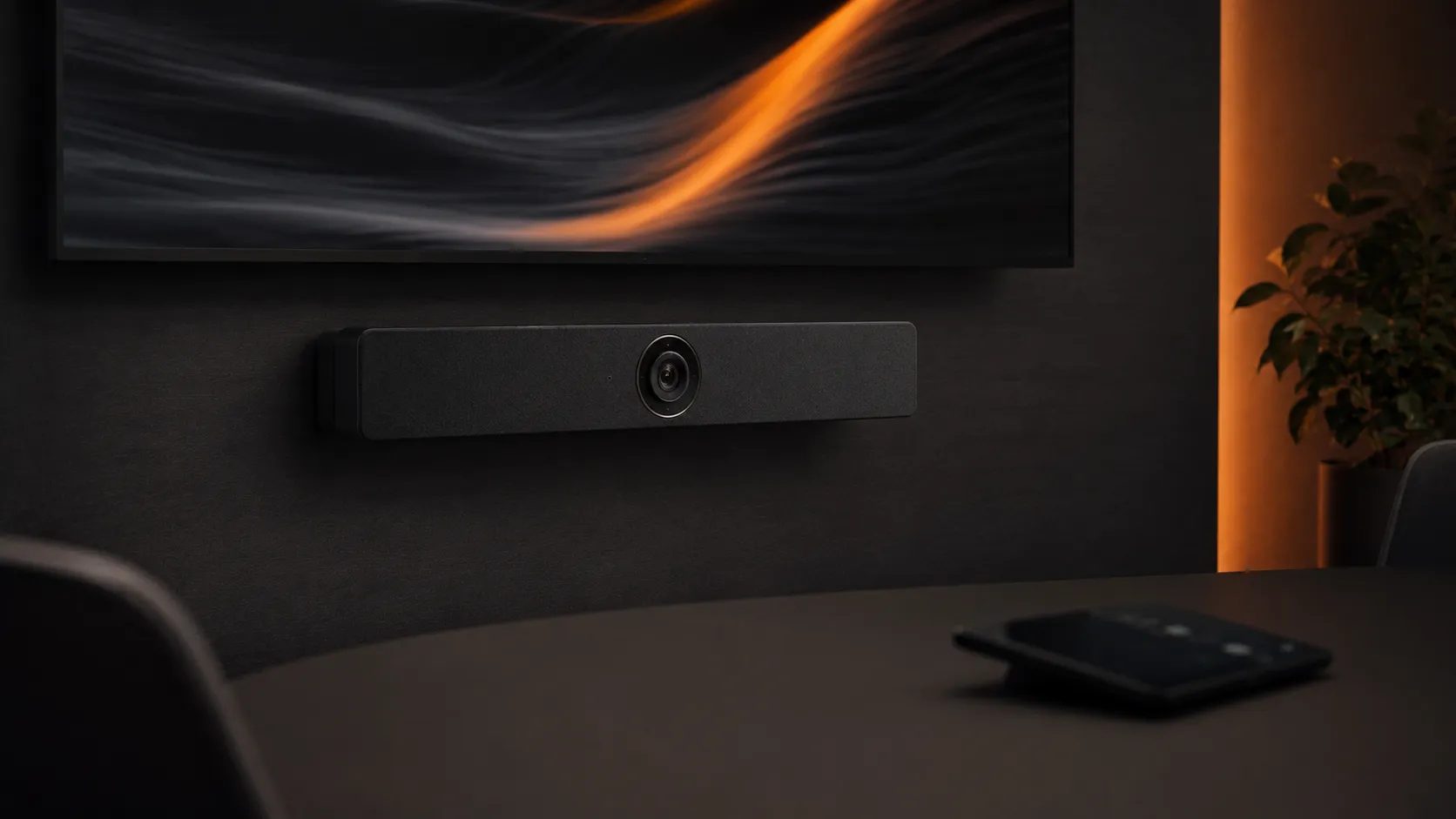
Excellent value across all room sizes — one of the most widely deployed brands in Australian meeting rooms, with strong Teams and Zoom Rooms certification.
Enterprise pedigree with a broad range covering everything from huddle spaces to large boardrooms — a long-standing name in Australian enterprise AV.

An audio-first manufacturer — particularly strong in speakerphones and mic solutions for small and medium rooms where audio quality is the primary concern.
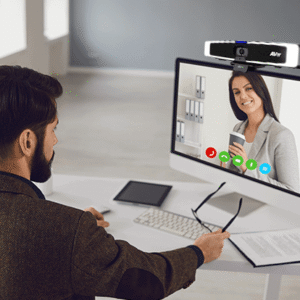
A growing manufacturer known for conference cameras, PTZ solutions and all-in-one collaboration systems that offer excellent value across a wide range of room sizes.
Beyond these five we stock a wider range of AV brands including names like DTEN and Smart Technologies — manufacturers that don't always make the shortlist but can offer strong value or a better fit for specific setups.
Not everything we carry is listed on the site. If you have a brand or model in mind, reach out and we'll track it down.
Not sure which product category you need? Start with your room size or platform — each guide covers hardware requirements, brand options and common deployment mistakes in plain language.
Huddle spaces and rooms for 2–4 people. Typically the simplest setup but easy to over-specify.
Small Room Guide →Rooms for 5–10 people where the choice between all-in-one and modular starts to matter.
Medium Room Guide →Larger spaces where camera coverage, audio distribution and compute options become critical decisions.
Large Room Guide →High-specification setups where presentation quality, audio and reliability are non-negotiable.
Boardroom Guide →Flexible spaces for workshops and team collaboration — different requirements to a standard meeting room.
Collaboration Guide →The most widely deployed platform in Australian enterprise. Understanding certified hardware is critical before you purchase — the wrong choice affects every hardware decision that follows.
Teams Rooms Guide →A strong alternative to Teams with different licensing, compute and hardware considerations worth understanding before you buy.
Zoom Rooms Guide →Not sure which of the major brands suits your setup? Our full guide covers strengths, weaknesses and which rooms each brand performs best in.
Compare All Brands →Both are room-based platforms but they have different licensing models, certified hardware lists and compute requirements. Microsoft Teams Rooms is the dominant choice in Australian enterprise and integrates tightly with Microsoft 365. Zoom Rooms offers a more flexible deployment model with simpler one-touch join and cross-company meeting access. The wrong platform choice affects every hardware decision that follows — see our Teams Rooms guide and Zoom Rooms guide for a full comparison.
It depends on your platform and hardware choice. All-in-one systems such as conference bars typically include their own Android or Windows compute. Modular setups using a separate camera and audio usually require a dedicated room PC or appliance. Our Teams Rooms and Zoom Rooms guides cover this in detail for each platform.
It depends on three things: your room size, the number of people using it, and your platform. Small rooms typically work best with an all-in-one bar or speakerphone. Medium rooms give you the choice between all-in-one and modular. Large rooms usually require separate cameras and audio. Our video conferencing equipment guide walks through each of these decisions in plain language.
Most products in our range are rated by room size. If you are unsure, start with our room size guides — small meeting rooms (2–4 people), medium meeting rooms (5–10 people) and large rooms and boardrooms. Each guide covers which product types work best and what to avoid.
In some cases yes — cameras, compute and audio from different manufacturers can work together in a modular setup. However platform certification matters. Not all cameras are certified for Teams Rooms or Zoom Rooms, and mixing uncertified components can cause reliability issues. Contact us and we will advise based on your specific room and platform.
Yes — Kickstart Computers ships hardware Australia-wide and has worked with businesses from single room setups through to multi-site rollouts since 2007. We can also assist with pre-configuration before shipping so hardware arrives ready to deploy.
Our team works with Australian businesses every day on exactly this — from a single huddle room to a multi-site rollout. Call Andrew on 0416 353 501 or send us a message and we'll point you in the right direction without the sales pitch.
Showing 1–16 of 103 results